
WAPI for Marketing
WAPI for Marketing: Turn every opted-in conversation into a measurable customer journey
Connect campaigns, Click-to-WhatsApp ads, guided qualification, product discovery, appointments, and reporting in one governed WAPI marketing workflow.
- Omnichannel conversation entry
- Campaign and lead qualification workflows
- Attribution and engagement reporting
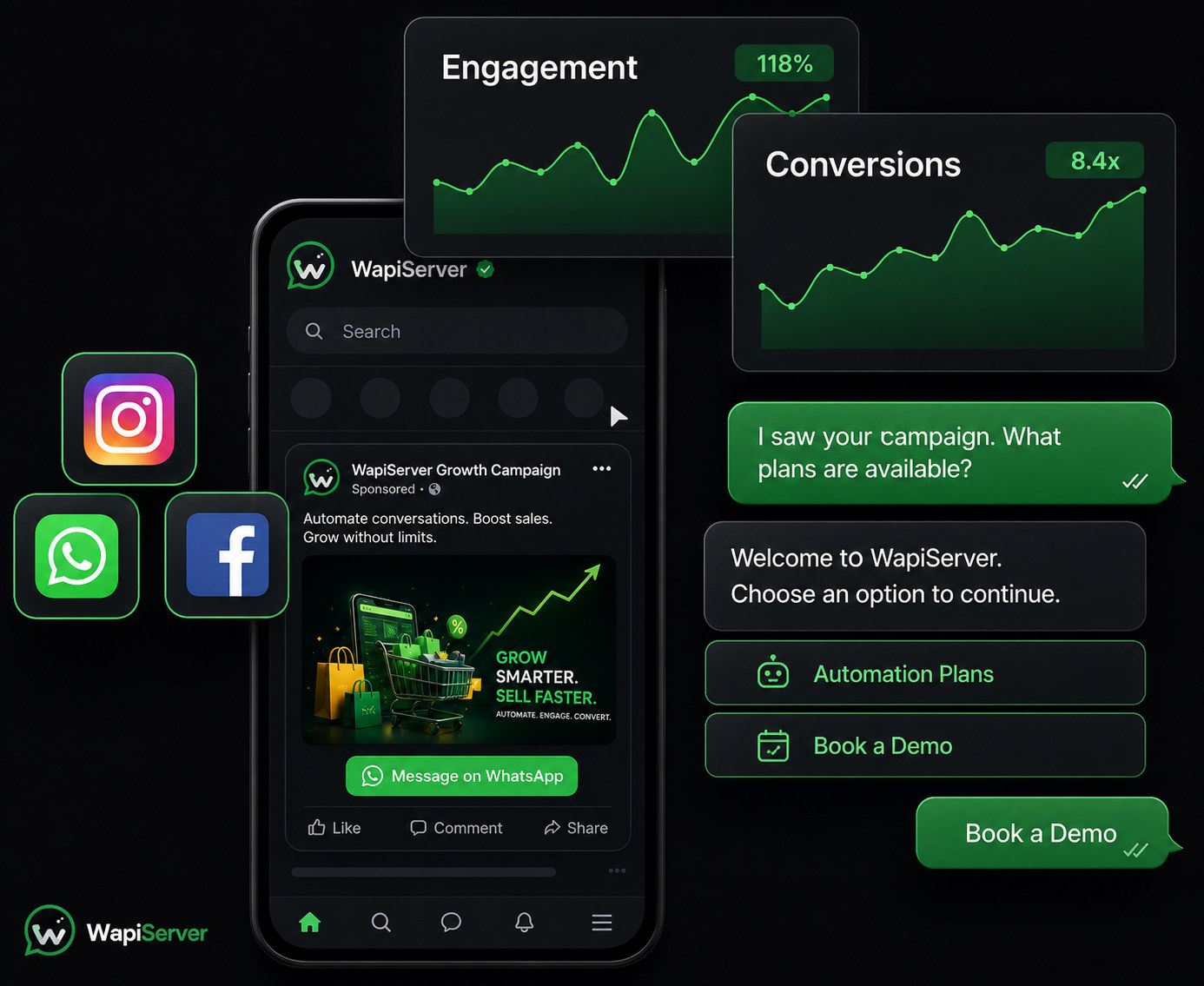
01 / WAPI for Marketing
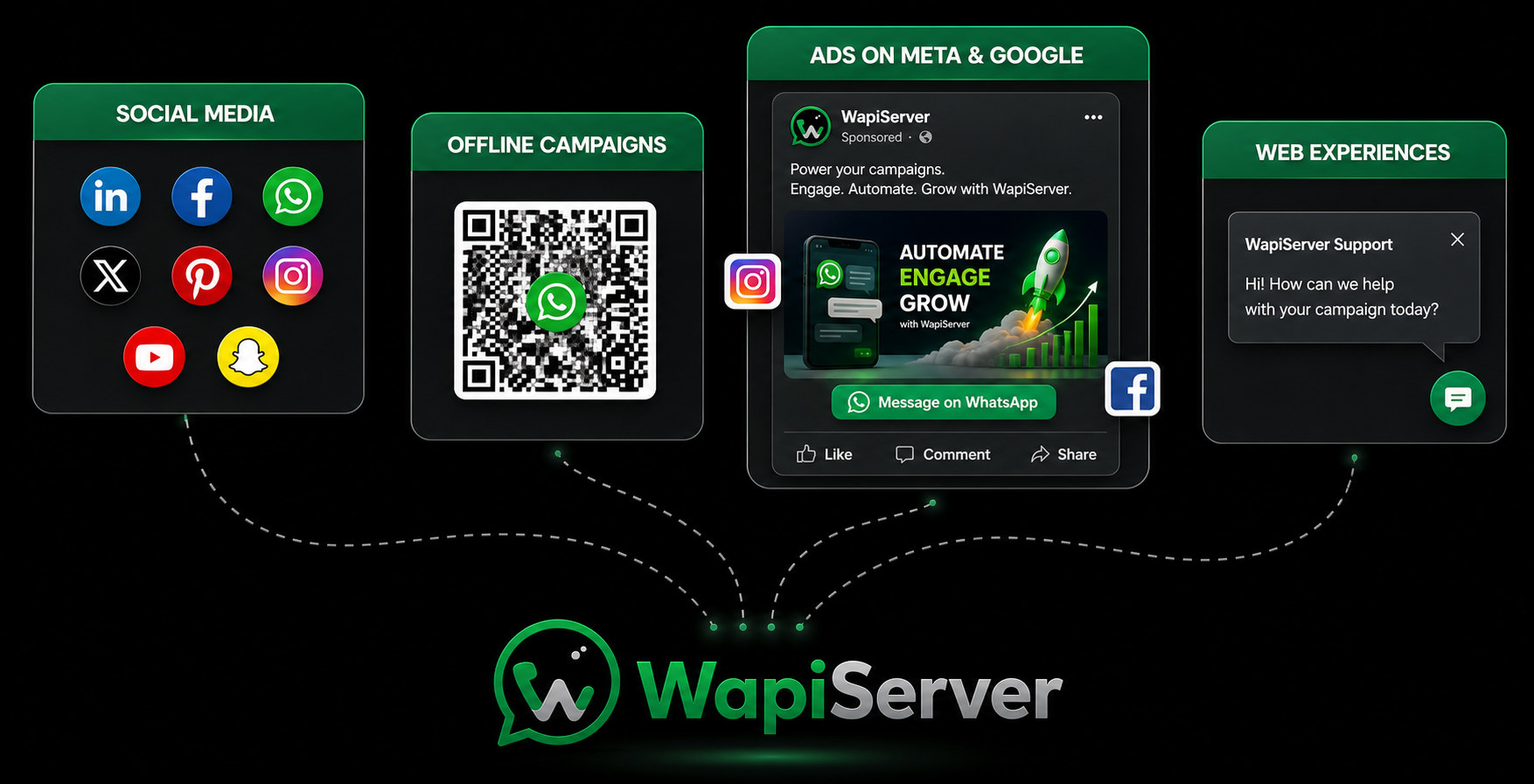
Turn every channel into a live WhatsApp conversation
Give social posts, Click-to-WhatsApp ads, offline QR placements, and web entry points a clear route into an identifiable customer conversation your team can continue.
- Social and ad conversation entry
- Offline QR and web touchpoints
- Source-aware customer context
02 / WAPI for Marketing
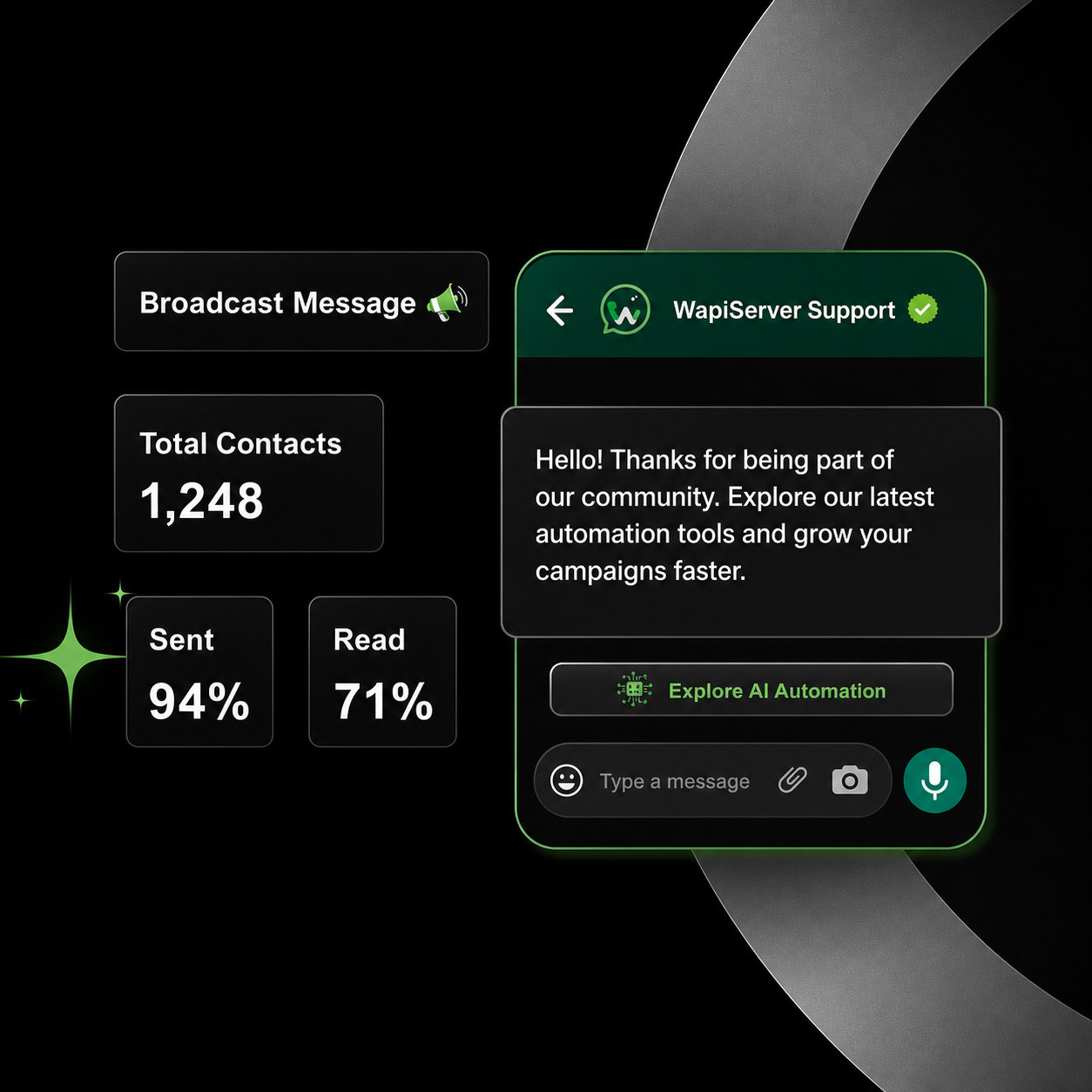
Reach opted-in audiences with relevant broadcasts
Build approved-template campaigns around reusable contact categories and audience rules, then schedule delivery and review recipient-level outcomes from one controlled workspace.
- Audience and category targeting
- Approved templates and scheduling
- Delivery and failure evidence
03 / WAPI for Marketing
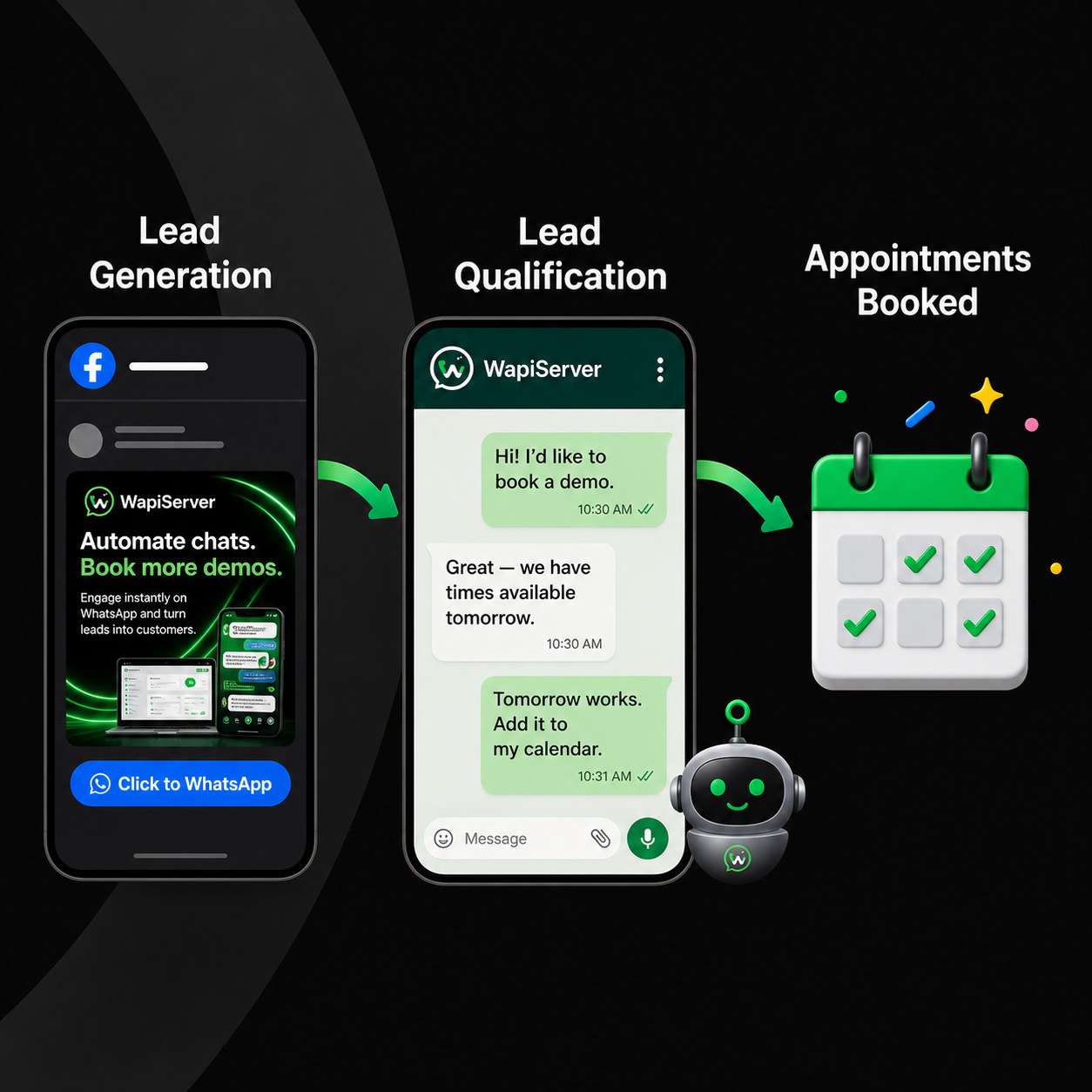
Move ad interest from click to qualified appointment
Preserve Click-to-WhatsApp source context, collect the details that matter, and guide eligible leads toward a booking or team handoff without losing the original campaign trail.
- Click-to-WhatsApp attribution
- Lead qualification steps
- Appointment and operator handoff
04 / WAPI for Marketing
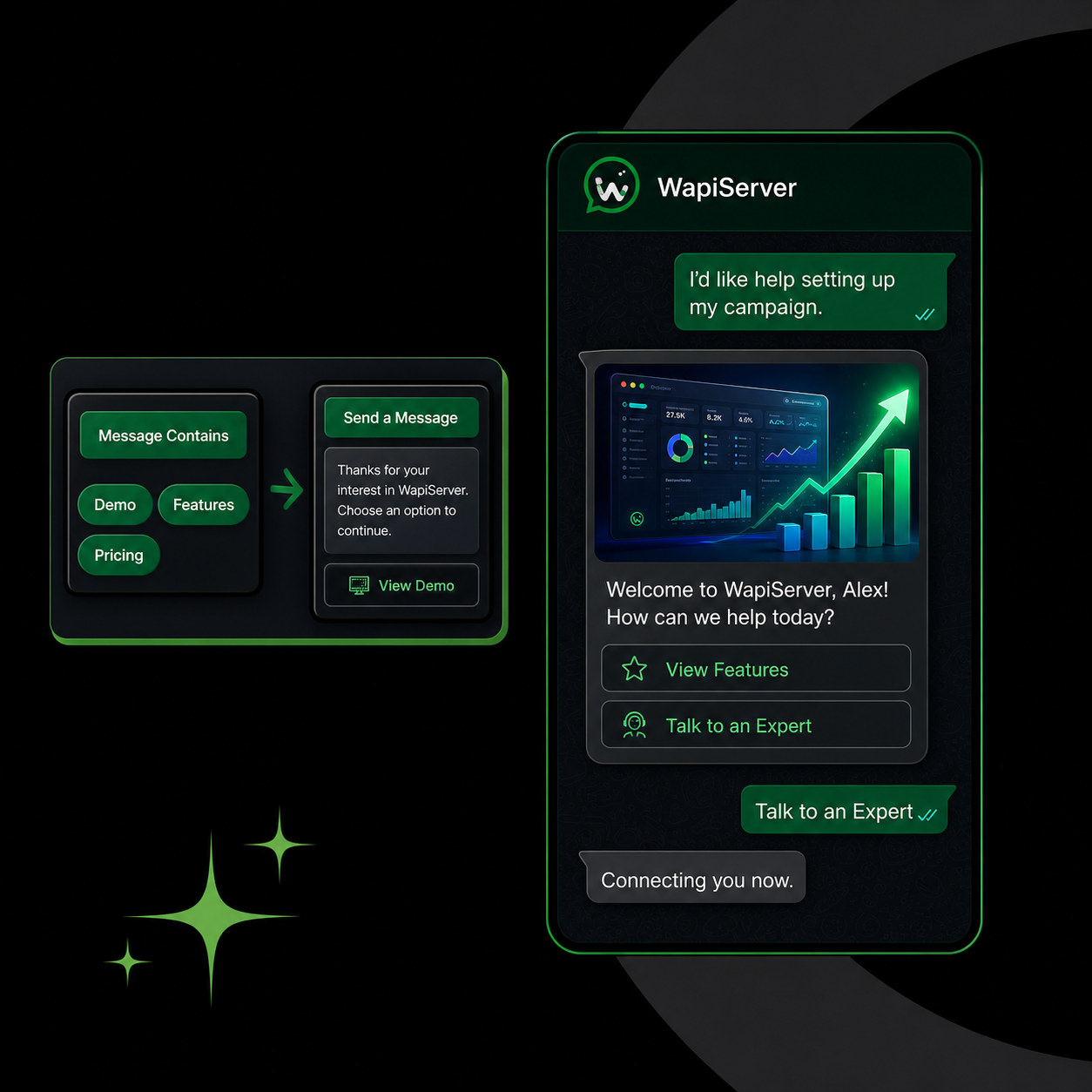
Qualify leads with guided chatbot journeys
Use chatbot questions and Bot Sequences to respond consistently, capture intent, and continue approved follow-up while keeping a clear path to a human operator.
- Guided questions and replies
- Bot Sequence follow-up
- Human handoff boundaries
05 / WAPI for Marketing
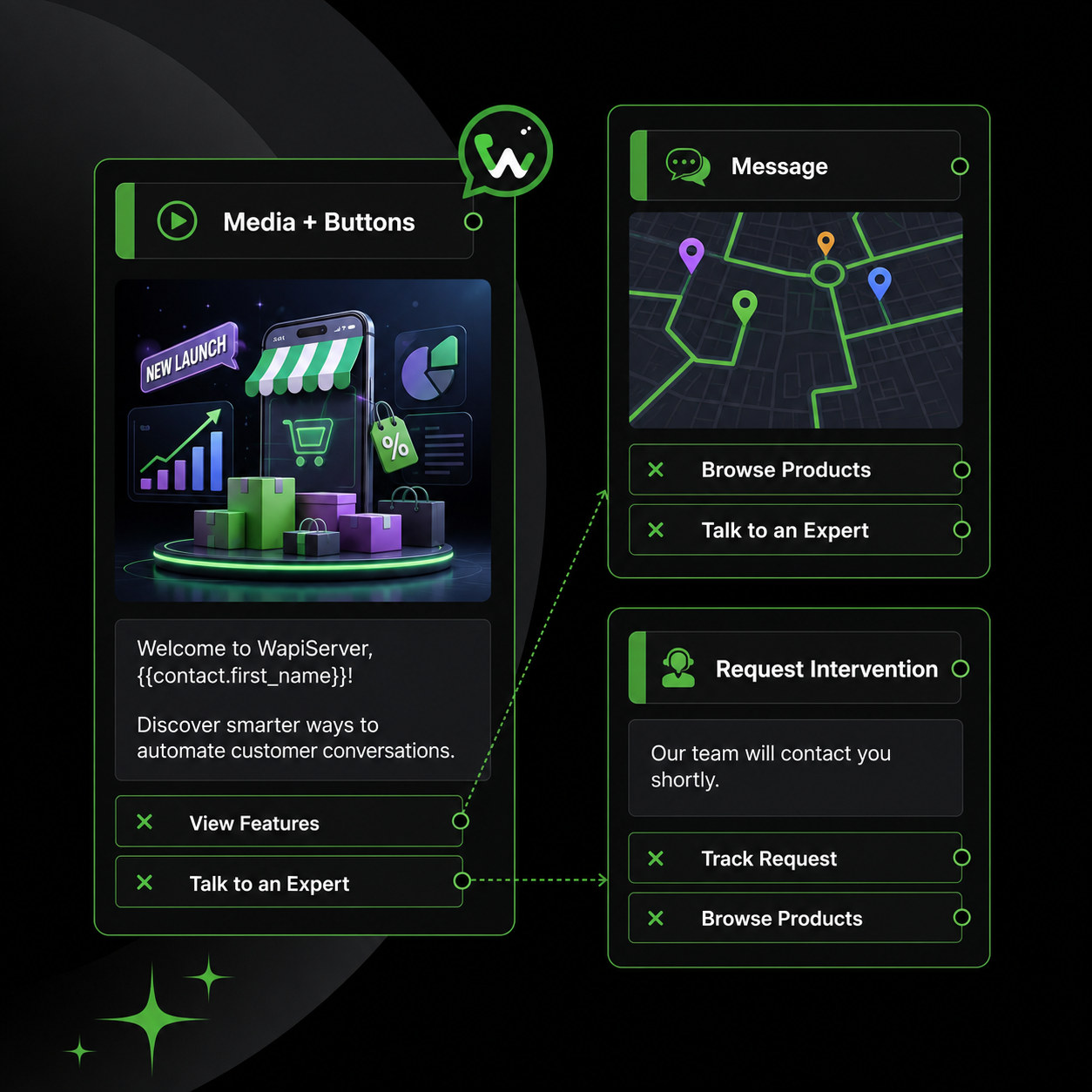
Build interactive campaign workflows
Combine media, buttons, forms, chatbot steps, and approved follow-up actions to move a customer from first response to the next appropriate business action.
- Interactive messages and media
- Forms and workflow actions
- Controlled follow-up routing
06 / WAPI for Marketing
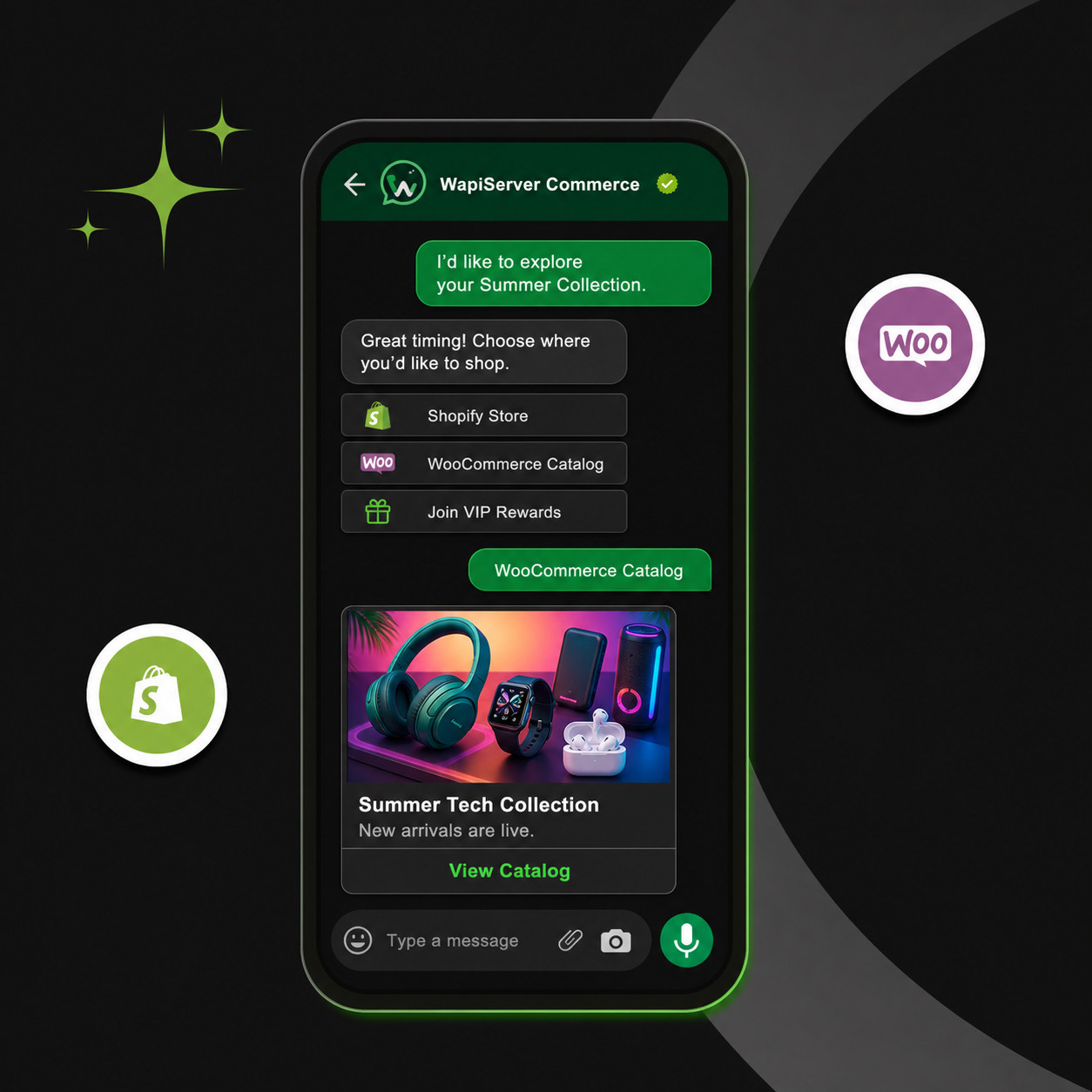
Bring product discovery into the conversation
Present relevant catalog items in the customer journey, keep product context visible, and continue into supported order, invoice, payment, or operator workflows when configured.
- WhatsApp Catalog context
- Product and customer continuity
- Connected commerce actions
07 / WAPI for Marketing
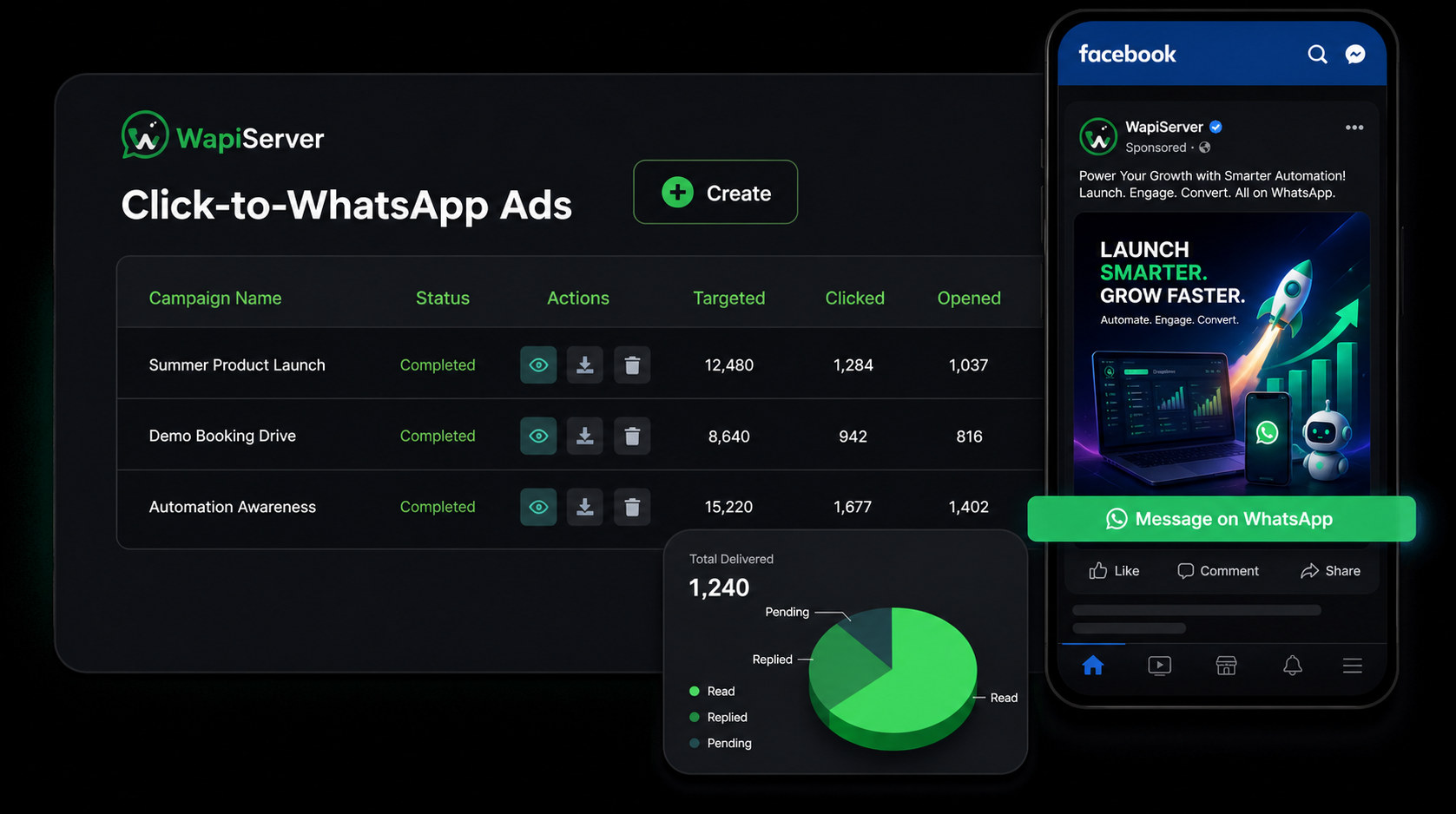
Improve Click-to-WhatsApp ROI with evidence
Review attributed conversations and downstream outcomes so marketing teams can compare campaign sources and focus on the journeys producing useful customer actions.
- Campaign-source attribution
- Conversation and outcome visibility
- Evidence-led optimization
08 / WAPI for Marketing
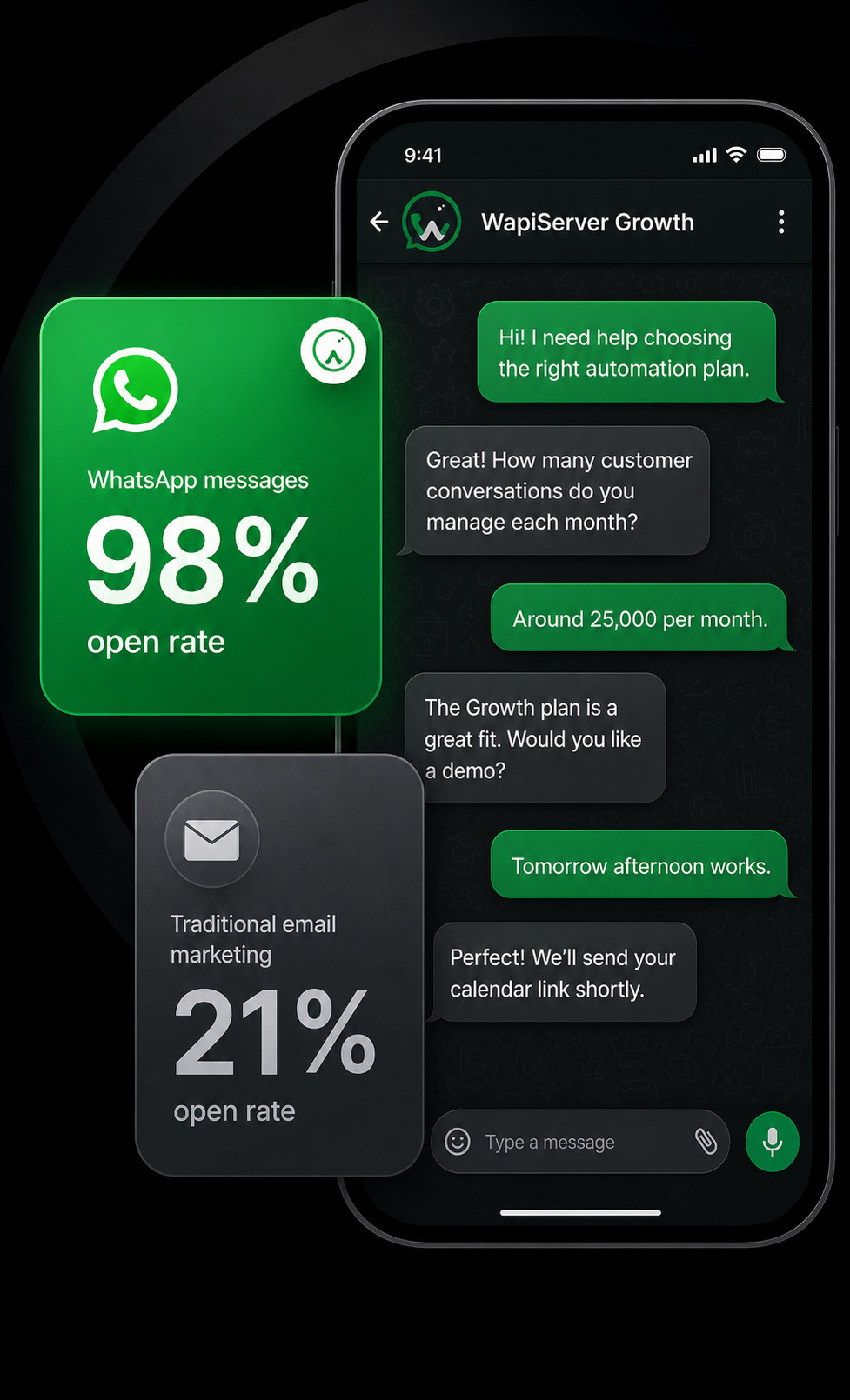
Compare WhatsApp engagement with slower channels
Use WAPI channel and delivery reporting to compare how opted-in audiences respond across configured WhatsApp and email journeys without turning benchmark examples into guaranteed results.
- Channel-level delivery evidence
- Engagement comparison
- Consent and suppression controls
09 / WAPI for Marketing
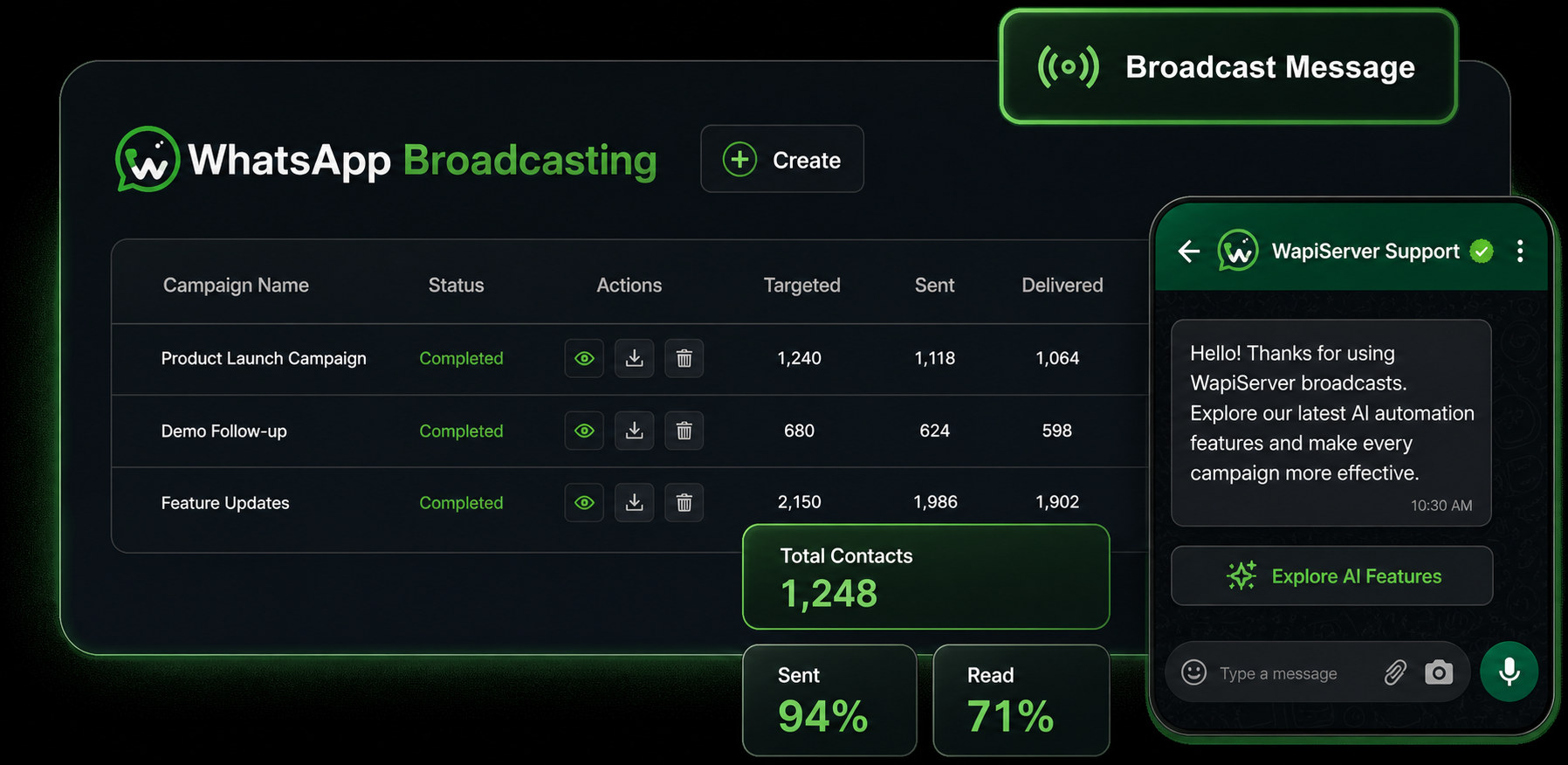
Improve broadcasts with campaign analytics
Track audience size, sent, delivered, read, replied, failed, and progression signals available to the campaign so the next broadcast is based on operational evidence.
- Recipient-level status
- Campaign trend reporting
- Exportable performance evidence
Frequently Asked Questions
WAPI for Marketing questions
What can WhatsApp marketing automation handle?
Can WAPIServer send promotional messages to any contact?
Is email marketing part of the same platform?
Start with WAPI
Test the complete platform for 15 days on the current highest plan.
No payment card is required for the current trial.