Omnichannel Inbox
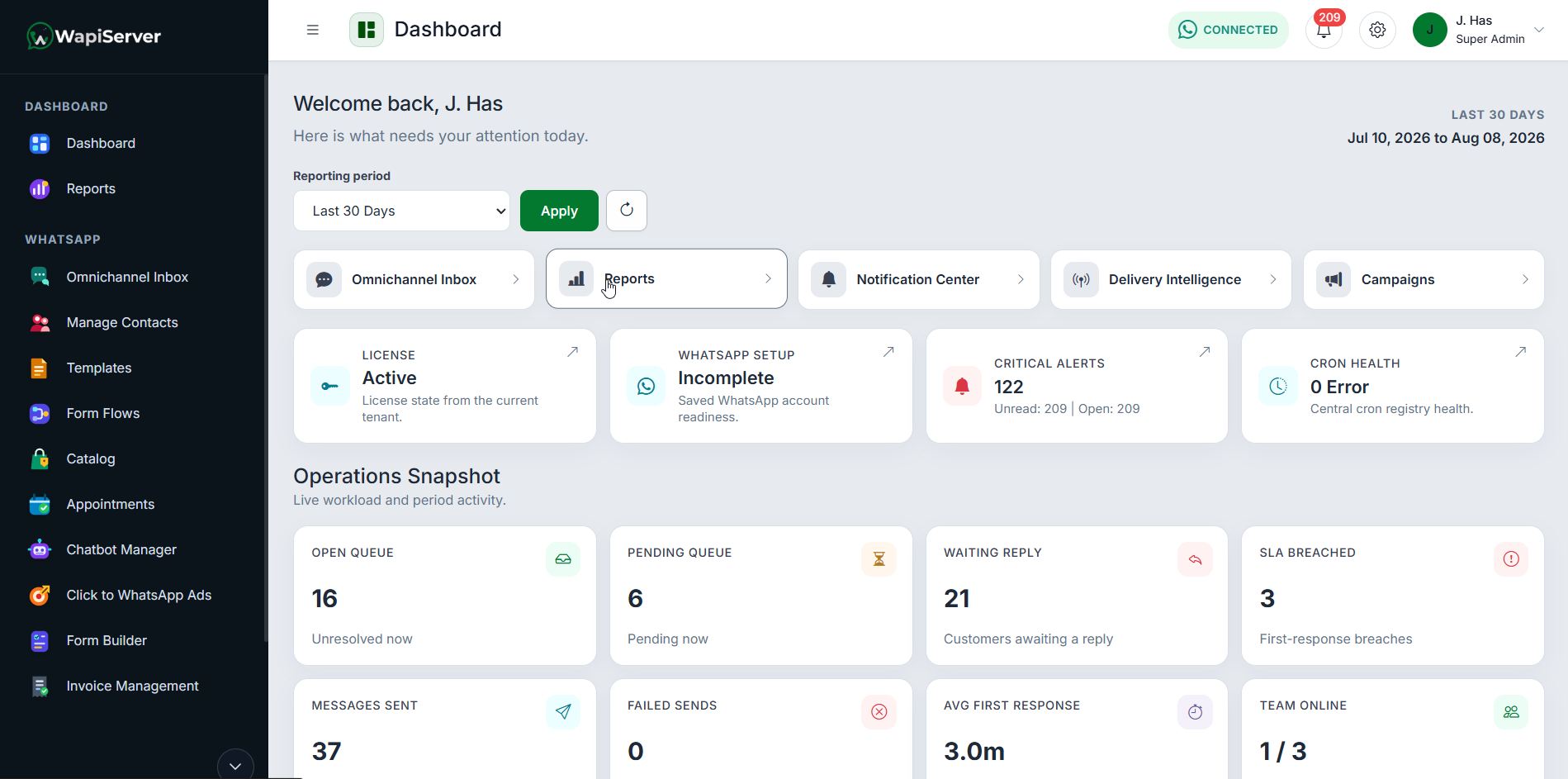
Bring WhatsApp and connected conversations into one shared workspace with assignment, context, internal notes, and quick operator actions.
Features
Explore verified modules for inbox, contacts, templates, forms, campaigns, chatbots, catalog, appointments, integrations, AI controls, and administration.
Platform Modules
Bring WhatsApp and connected conversations into one shared workspace with assignment, context, internal notes, and quick operator actions.
Store customer profiles, categories, custom fields, imports, and engagement context in one operational contact layer.
Manage WhatsApp templates and flow-based customer journeys before using them in campaigns or automation.
Build structured WhatsApp Flow screens for data capture, guided requests, reports, media handling, and business actions.
Create public forms for leads, service requests, surveys, submissions, contact mapping, and follow-up workflows.
Automate FAQs, qualification, routing, and follow-up while keeping human escalation available when needed.
Run sequenced message journeys for onboarding, reminders, nurturing, and re-engagement.
Send template-based campaigns with scheduling, manual recipients, categories, audience rules, recipient limits, and reports.
Manage email templates, SMTP profiles, batches, delivery execution, verification, and logs alongside WhatsApp workflows.
Define reusable targeting logic for smarter campaign selection and automated follow-up.
Connect Meta ad-driven conversations with routing rules, lead attribution, conversions, and exportable reporting.
Track chat-driven leads through stages, owners, follow-ups, and lifecycle progress.
Sync catalogs, manage product conversations, track orders, and support checkout/payment flows where configured.
Connect catalog, order, checkout, and follow-up behavior into configured commerce journey automation.
Manage services, booking requests, reminders, payment status, public availability, and appointment workflows.
Monitor campaign delivery, conversation activity, lifecycle revenue, exports, and operational performance.
Track message outcomes, failure trends, and send-path health across communication modules.
Use API keys, webhooks, triggers, Meta webhook handling, and public API routes to connect external systems.
Configure connector packages, external accounts, sync jobs, and integration monitoring from one admin area.
Help users understand modules, settings, workflows, and approved actions from inside the dashboard.
Control AI replies, approval queues, policy rules, blocked content, audit exports, and safer automation behavior.
Use WhatsApp calling workflows where supported by the configured WhatsApp Business API and Meta setup.
Support voice note handling, translation workflows, and multilingual conversations where configured.
Launch ready workflow plugins such as Clinic Booking, Web Services Support, and Restaurant Orders, with more plugins coming soon.
No-Code Capture and Automation
Build structured intake, guide customers through WhatsApp Flow screens, trigger business actions, and launch ready workflow plugins without custom development for every process.
Omnichannel Inbox
Use the inbox to assign conversations, review context, add internal notes, manage follow-ups, and keep WhatsApp, connected channels, templates, tags, and customer actions in one operator view.
Booking workflows, templates, managed flows, reports, smart inbox, and public booking routes.
Service request intake, ticket handling, templates, managed flows, reports, and public support routes.
Order workflows, roles, order handling, templates, managed flows, reports, and public order routes.
Roadmap plugin expansion without claiming unbuilt workflow packs as currently available.
Private Operations and Governance
Roles, compliance, audit logs, enterprise security, AI governance, and app updates give owners the controls needed to run team messaging with accountability.
Integrations and Reporting
API keys, webhooks, triggers, marketplace integrations, delivery intelligence, campaign analytics, and reporting exports keep operations connected and measurable.
Administration Modules
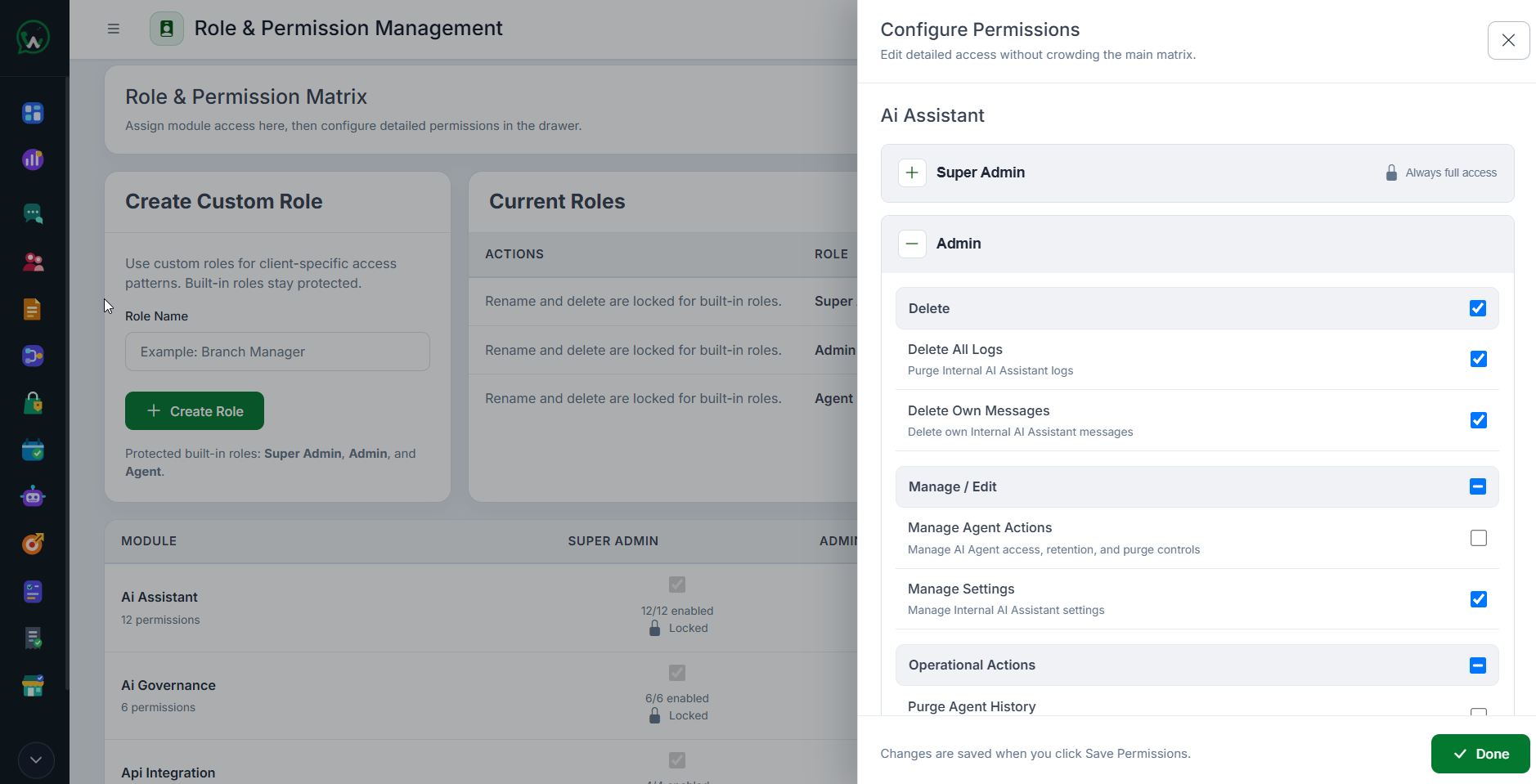
Manage users, roles, permissions, and access boundaries for every operational team.
Configure branding, Meta connection, channels, media policy, AI assistant, canned messages, language tools, and calling settings.
Apply keyword controls, marketing safeguards, opt-in discipline, and policy rules for safer communication.
Track important admin actions, setting changes, and operational events in searchable history.
Monitor delivery health, failures, and performance trends across message sending paths.
Configure and monitor lead lifecycle movement, sales stages, and pipeline activity.
Build targeting logic for campaigns, follow-ups, and automation from reusable admin rules.
Surface alerts for delivery issues, automation failures, SLA events, and operational updates.
Collect and review customer satisfaction signals after support, service, or campaign interactions.
Define response expectations, ticket-like workflows, and overdue conversation visibility.
Manage integration availability, connector status, and external workflow configuration.
Strengthen admin access with session governance, security controls, and stricter account protection.
Set rules for AI behavior, approvals, blocks, diagnostics, action history, and safer rollback behavior.
Manage platform update visibility, maintenance mode, version checks, and controlled update execution.
Configure connected channels and cross-channel inbox behavior from the admin layer.
Monitor scheduled background work for campaigns, reminders, sync jobs, polling, and automation.
Get Started
WAPIServer gives teams inbox, campaigns, forms, automation, plugins, AI controls, and admin governance without moving runtime ownership into a shared SaaS layer.