
WAPI for Sales
WAPI for Sales: Keep the lead, conversation, offer, and payment connected
Capture interest from ads, forms, WhatsApp, and integrations; coordinate every lead in one inbox; then move qualified conversations toward an appointment, quote, invoice, payment, or follow-up.
- Shared lead ownership and context
- Automated but controlled follow-up
- Appointments, offers, invoices, and integrations
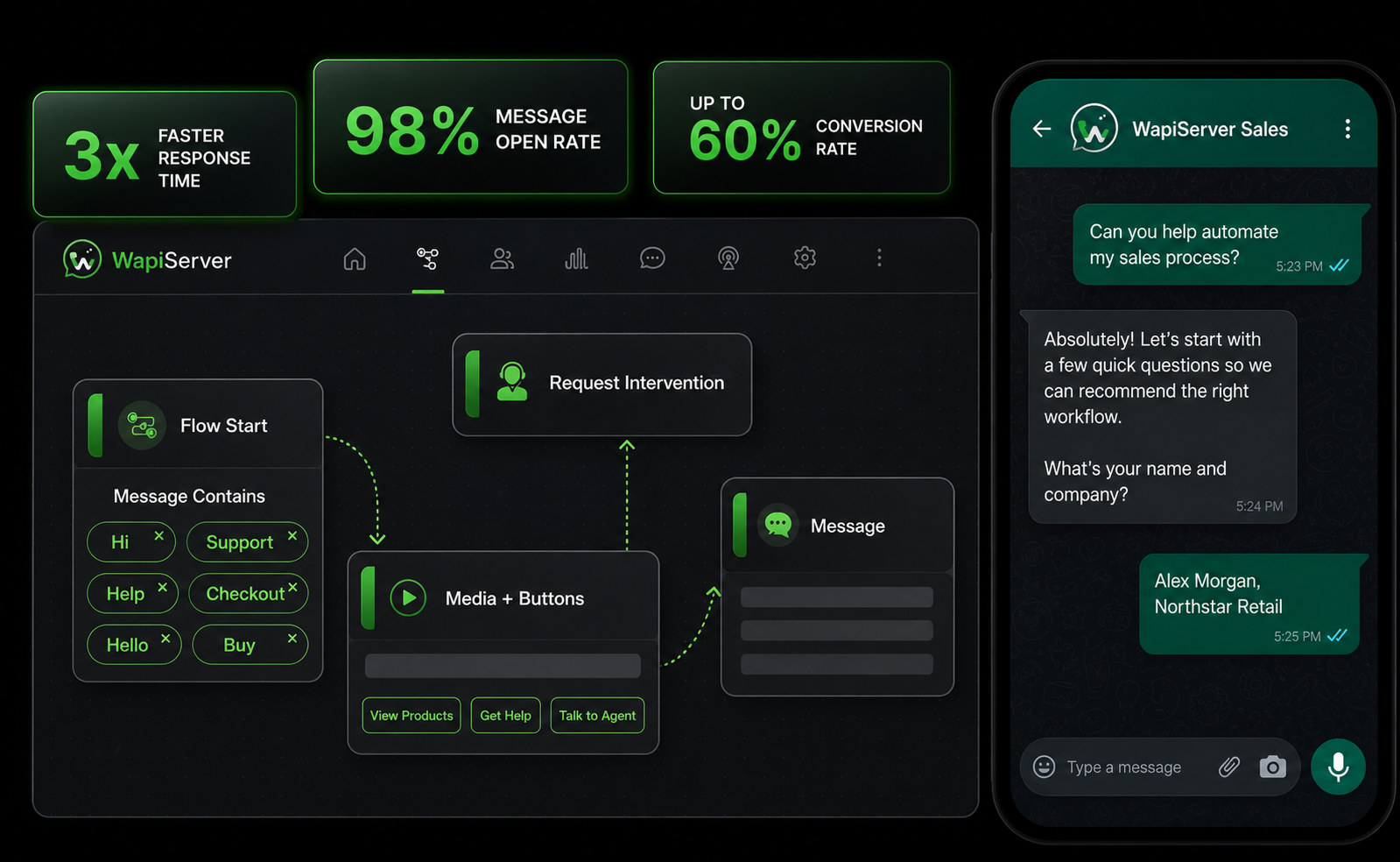
Illustrative workflow. Delivery, response, and conversion outcomes depend on audience, configuration, offer, and provider conditions.
01 / WAPI for Sales
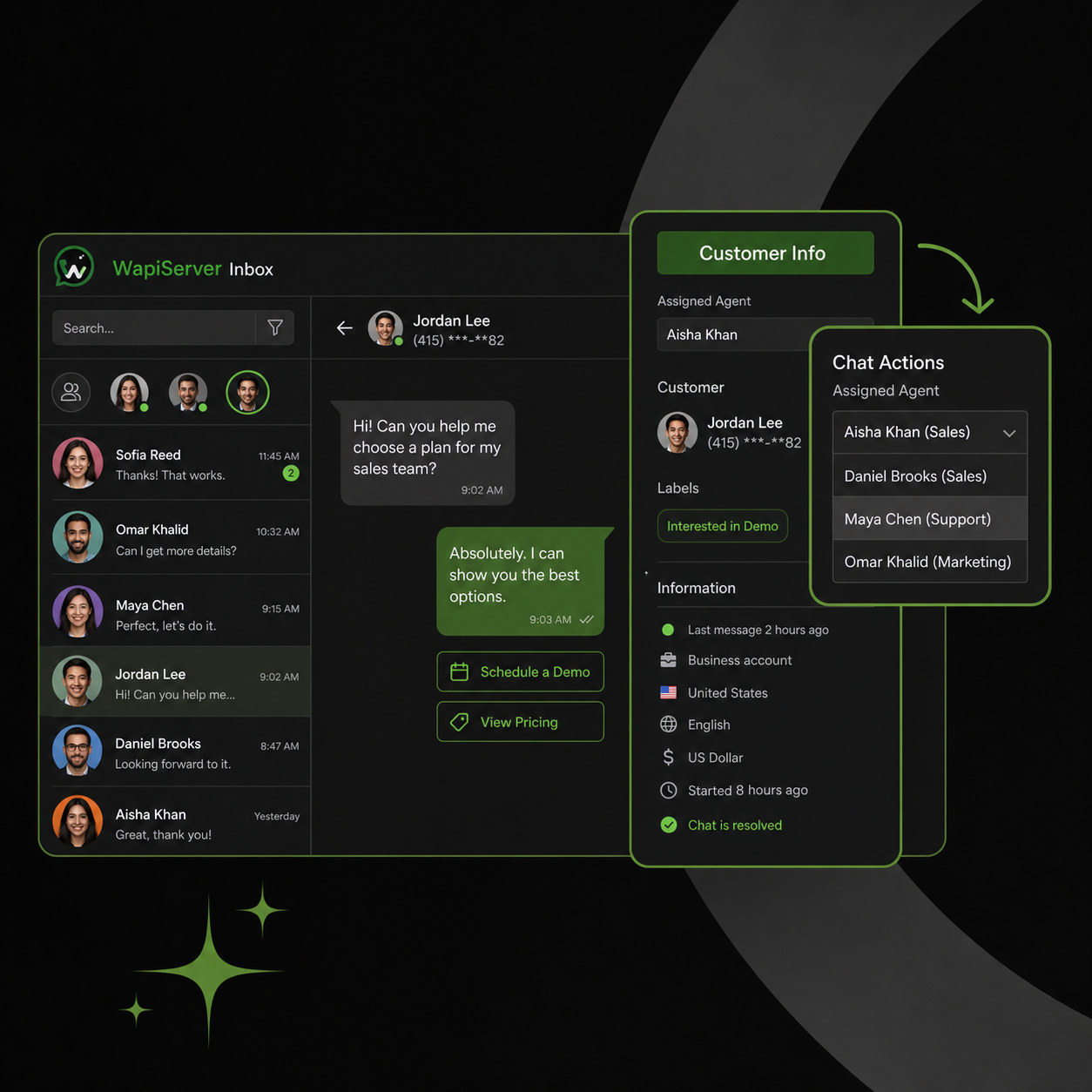
Give every active lead a visible owner
Bring inbound WhatsApp conversations into the shared inbox, preserve source and contact context, and assign the next action so two sellers do not answer the same lead or leave it unattended.
- Shared inbox visibility
- Agent assignment and internal notes
- Contact, source, and conversation history
02 / WAPI for Sales
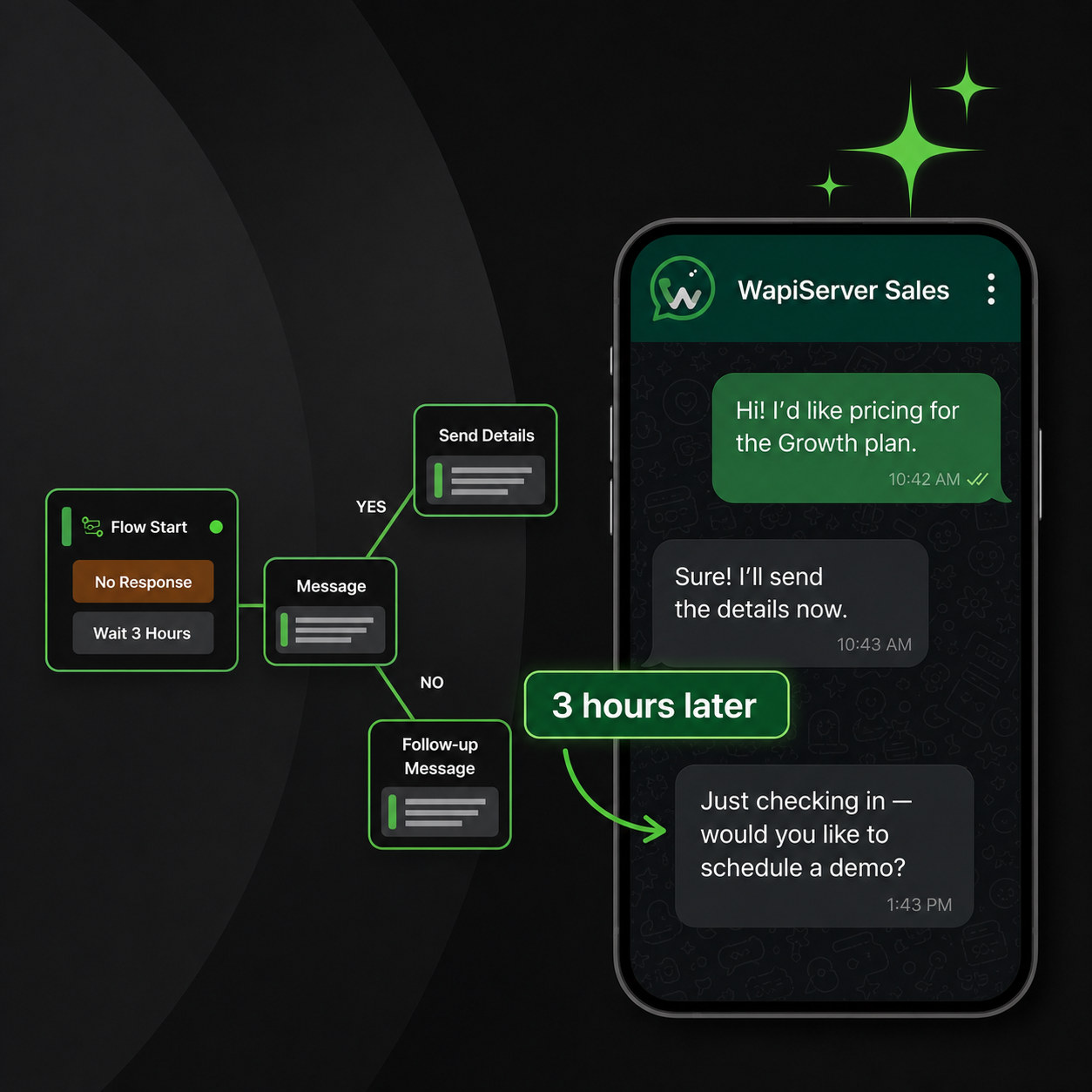
Follow up when the conversation needs a next step
Use approved templates, scheduled follow-up, and Bot Sequences to continue an eligible lead journey while retaining an obvious handoff to the responsible seller.
- Time- and stage-aware follow-up
- Reusable approved messages
- Human ownership and opt-out boundaries
03 / WAPI for Sales
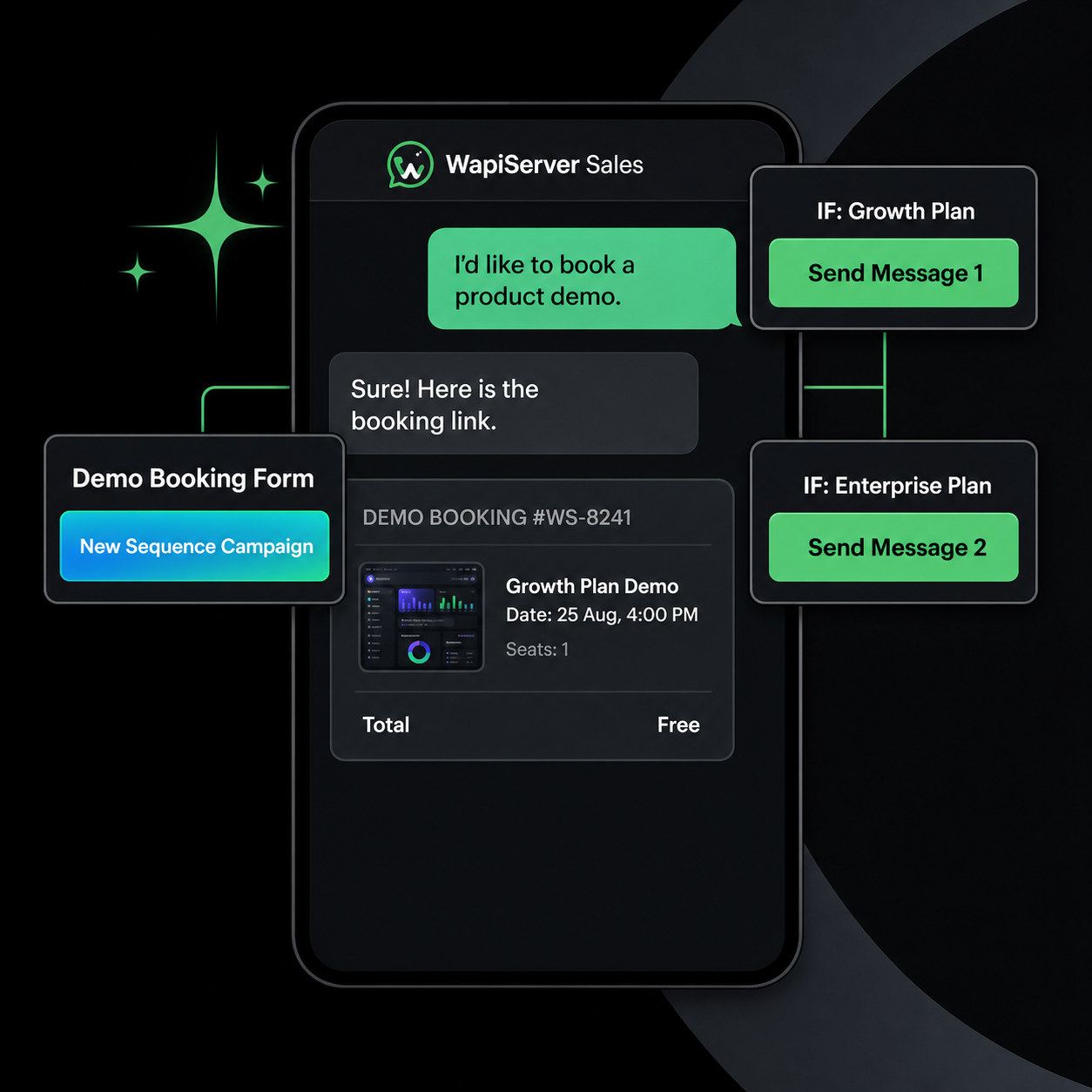
Turn qualified interest into an appointment journey
Collect the details that matter, show configured availability, and move a qualified lead toward an appointment request without losing the campaign or conversation trail.
- Guided qualification
- Appointment availability and requests
- Campaign-to-booking context
04 / WAPI for Sales
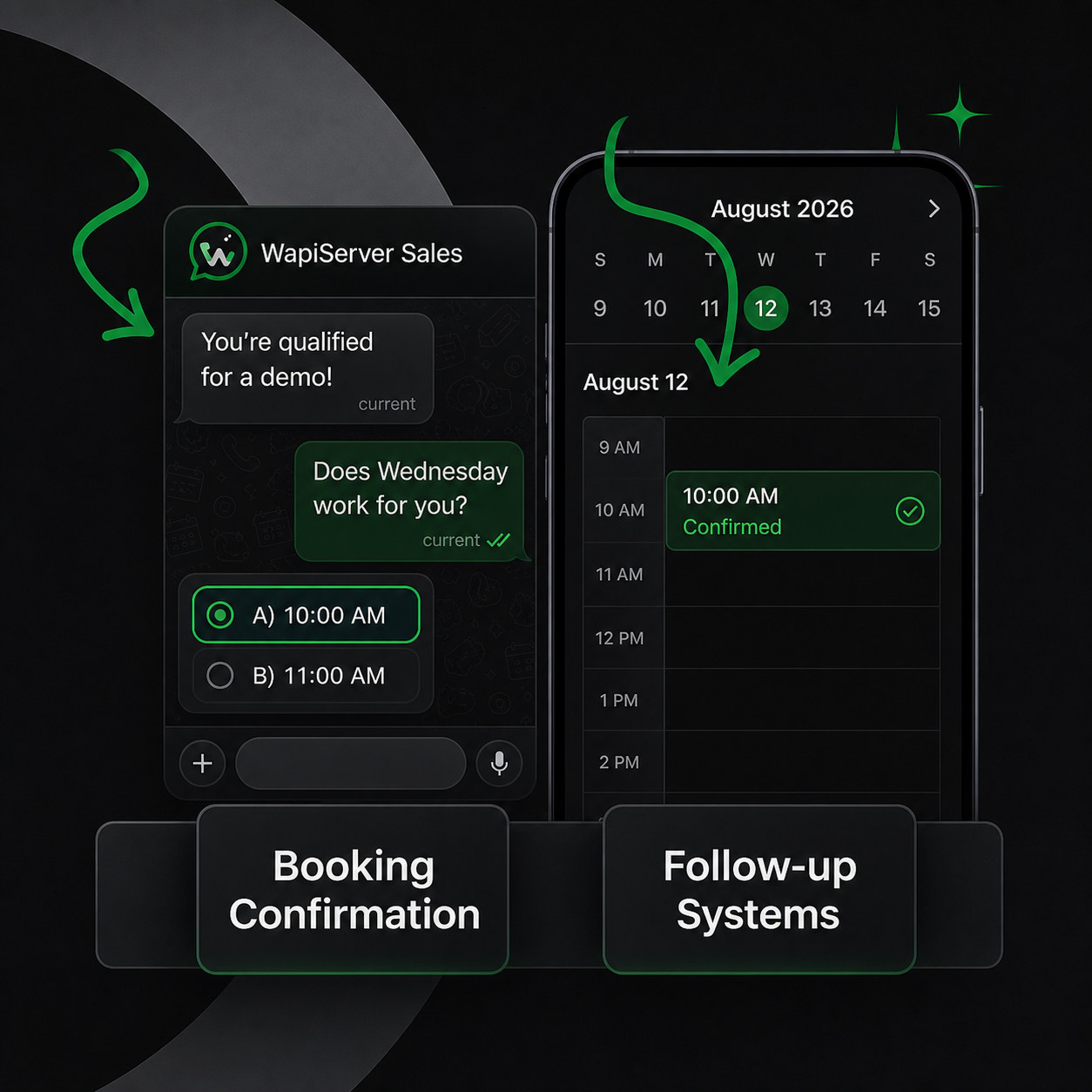
Confirm, remind, and recover the booking
Use configured confirmation, reminder, reschedule, and follow-up steps to keep the customer and sales team aligned on the current appointment status.
- Booking confirmation
- Reminder and reschedule paths
- Operator takeover when needed
05 / WAPI for Sales
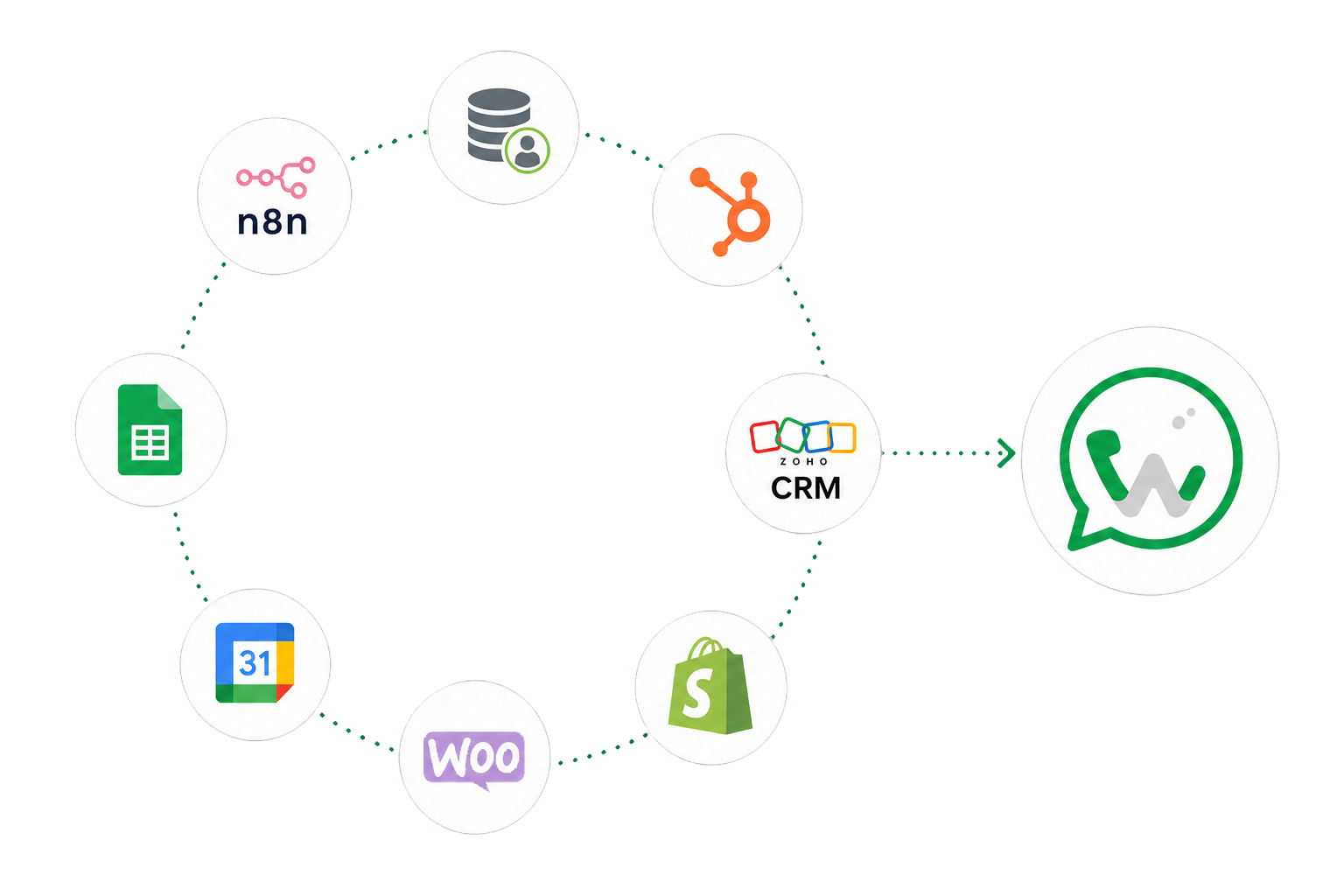
Connect the sales record to the systems around it
Use supported CRM, ecommerce, spreadsheet, API, and automation connections to move approved customer context into a defined workflow, then monitor the resulting integration job.
- Supported CRM and commerce connectors
- Field mapping and protected credentials
- Connection status and retry evidence
Start with WAPI
Test the complete platform for 15 days on the current highest plan.
No payment card is required for the current trial.