
Integration - WhatsApp and CRM
CRM integration hub
Connect WhatsApp and CRM workflows without losing customer context
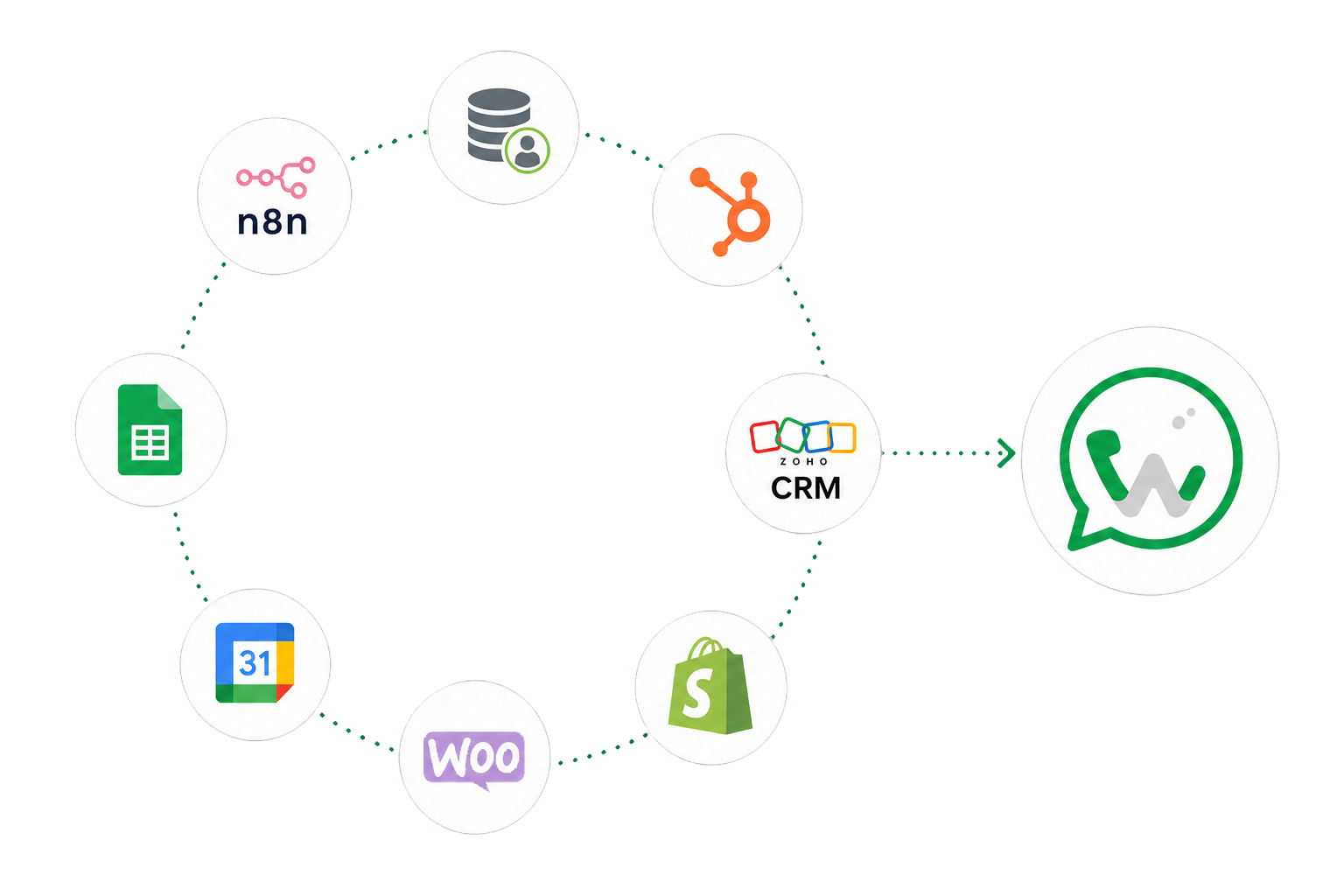
Connect WhatsApp and CRM workflows through supported HubSpot and Zoho CRM connectors, APIs, webhooks, contact mapping, automation, and sync evidence.
01 / WhatsApp CRM Integration
Define the CRM workflow before connecting systems
Choose the event, contact or lead fields, responsible system, permitted direction, expected result, and failure path. A useful CRM WhatsApp integration is a defined process, not an uncontrolled copy of every field.
- Source-of-truth decision
- Purpose-limited field mapping
- Ownership and permission boundary
02 / WhatsApp CRM Integration
Use the supported connection path
Authorize HubSpot or Zoho CRM through the verified connector, or use scoped API keys and webhooks for another supported system. Availability depends on the current connector, external API, authentication, and plan configuration.
- HubSpot and Zoho CRM
- Scoped API keys and documented routes
- Outgoing webhooks and external events
03 / WhatsApp CRM Integration
Verify the business result
Review connection health, sync jobs, status, failures, retries, and record ownership. An accepted request is not treated as proof that a remote CRM record was created or updated successfully.
- Connector and job health
- Failure and retry visibility
- Record and workflow evidence
Frequently Asked Questions
WhatsApp CRM Integration questions
Which CRM systems can WAPIServer connect to?
Can WhatsApp conversations create or update CRM records?
Does WAPIServer replace my CRM?
Start with WAPI
Test the complete platform for 15 days on the current highest plan.
No payment card is required for the current trial.