
Payment Journeys
WhatsApp Payments: Connect a payment request to the workflow that created it
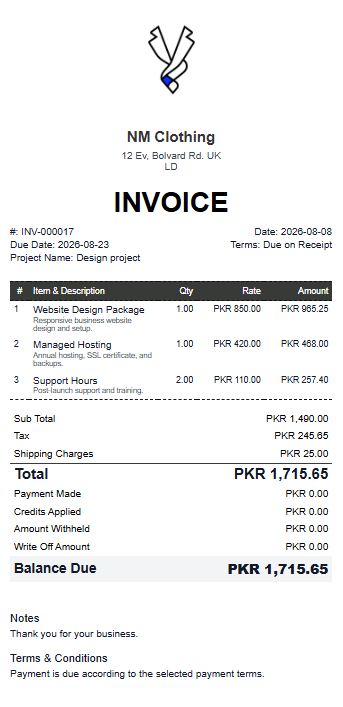
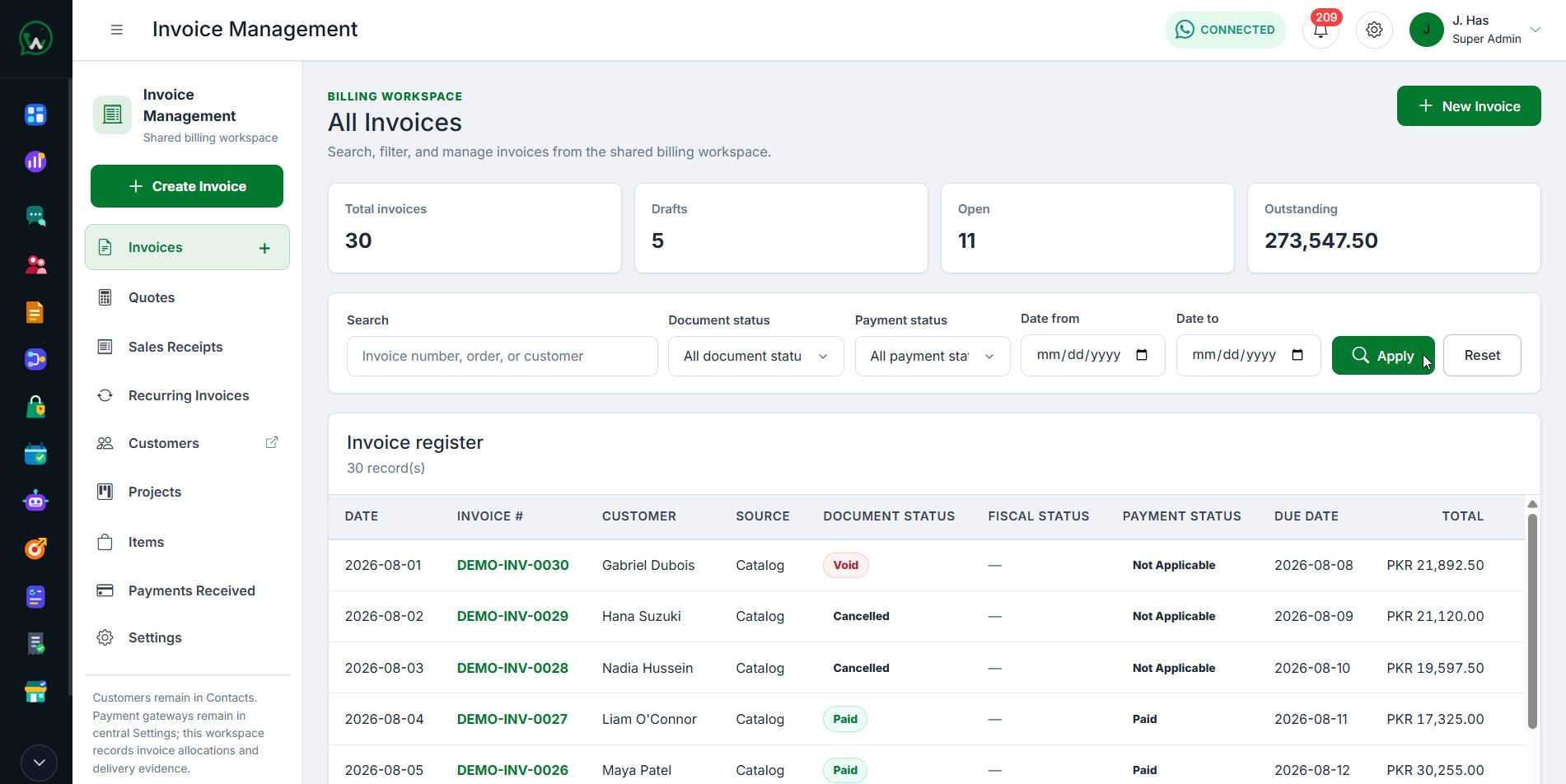
Use centrally configured payment providers across supported catalog, form, invoice, appointment, and storefront journeys while preserving the transaction context.
- Central provider settings
- Linked invoice and order context
- Visible payment status
01 / WhatsApp Payments
Keep payment configuration centralized
Administrators control approved gateways and credentials once, while supported modules create payment intents and links through their own governed workflows.
- Provider-dependent availability
- Permission-aware configuration
- No credentials in public workflows
02 / WhatsApp Payments
Follow the outcome back to the record
Payment status and evidence remain connected to the originating invoice, order, form, or appointment so teams can act on a verified result.
- Transaction and source context
- Paid, pending, and failed states
- Receipt and follow-up workflows
Start with WAPI
Test the complete platform for 15 days on the current highest plan.
No payment card is required for the current trial.