
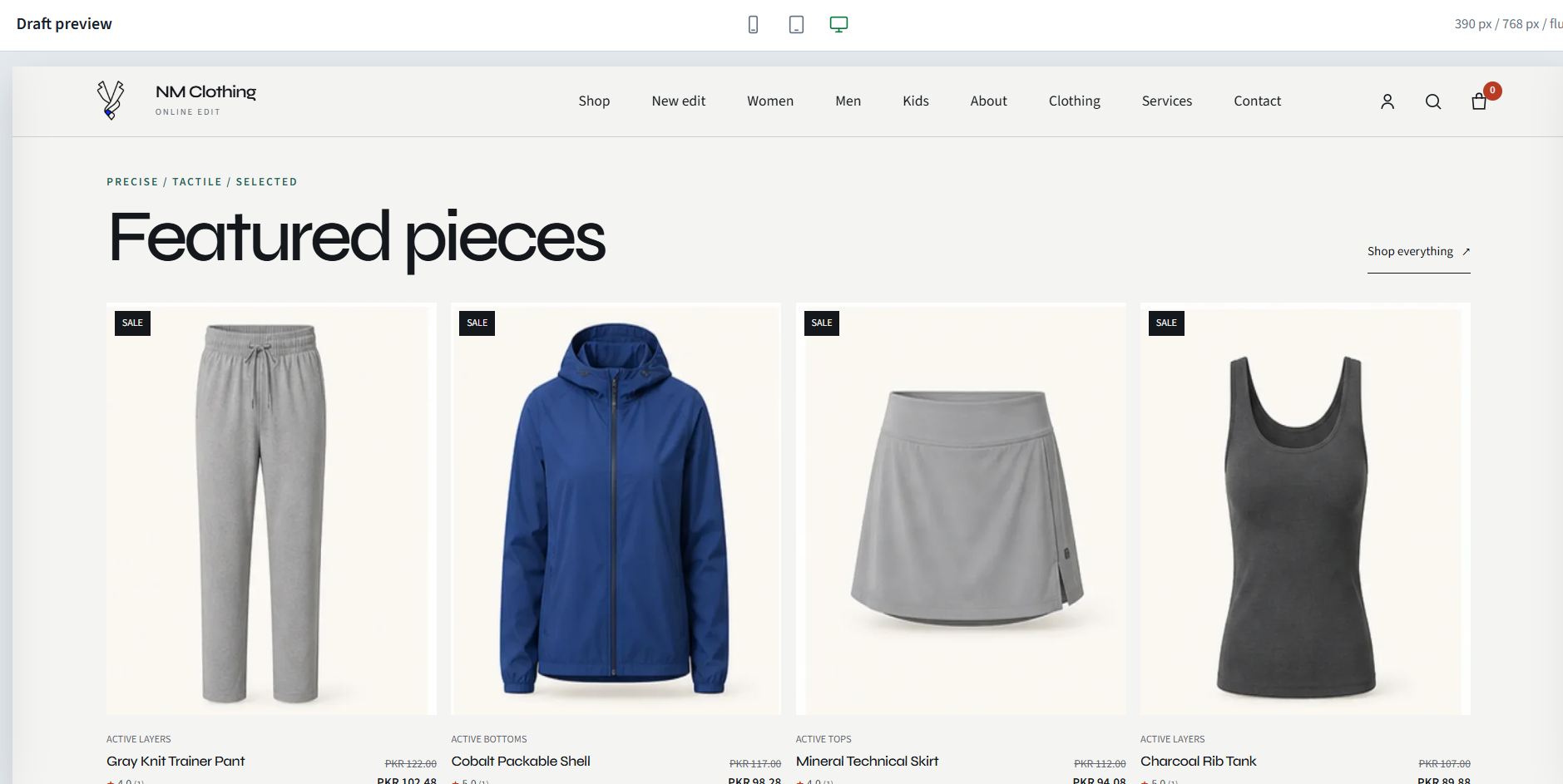
Online Store
Publish a mobile-first store connected to WAPI operations
Manage shared products, customer accounts, cart, checkout, orders, linked invoices, fulfillment, promotions, analytics, automation, domains, and SEO.
View more
Self-hosted WhatsApp automation with business operations built in
WAPIServer is a self-hosted WhatsApp automation platform for medium and large businesses and agencies. Run marketing, sales, and support workflows alongside forms, invoicing, appointments, catalog, online store, email, AI controls, and reporting from one deployment.
Core Features
Manage WhatsApp and connected conversations with assignments, internal notes, customer context, and controlled team access.
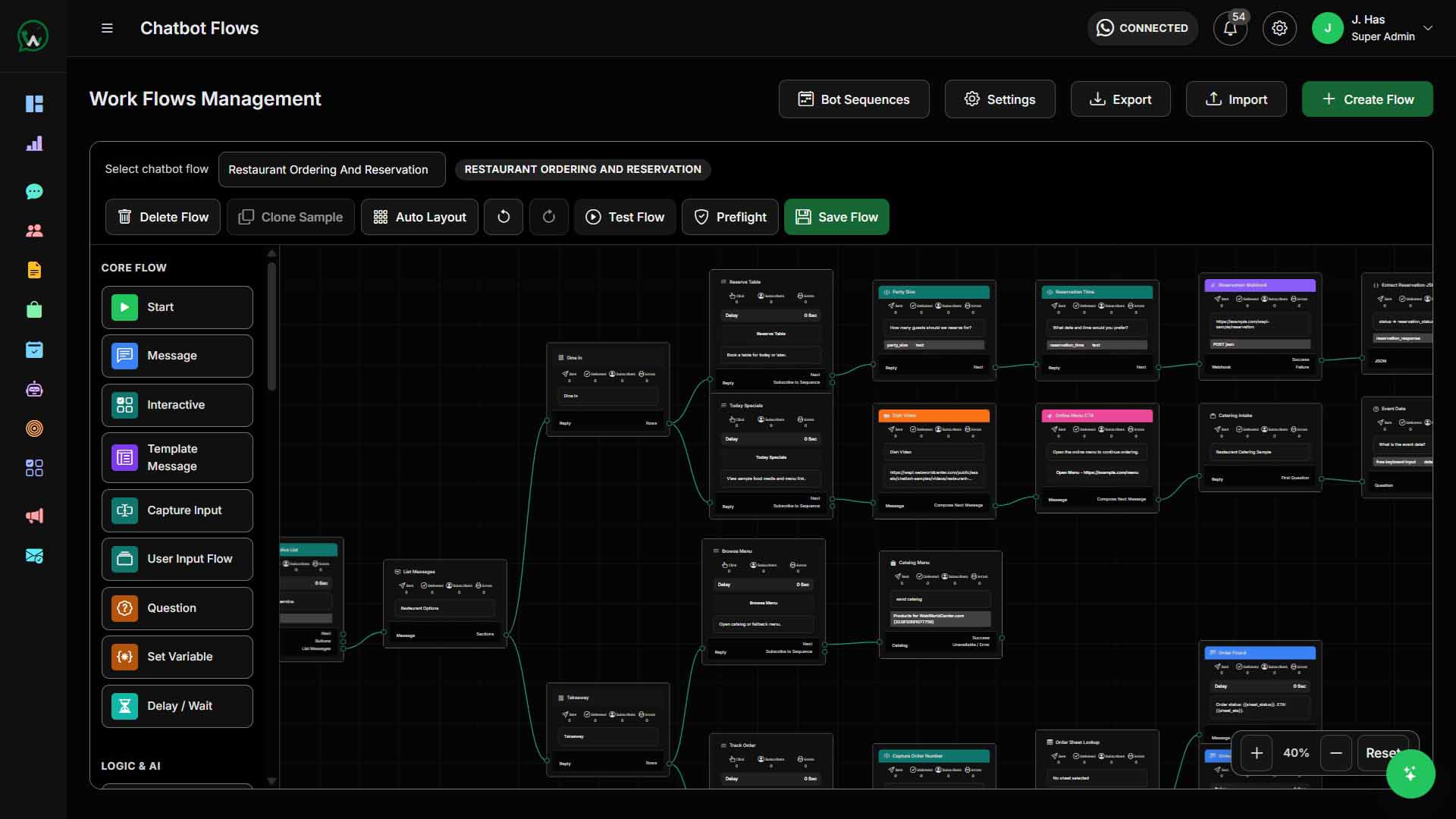
View featureBuild chatbot, bot sequence, and WhatsApp Flow journeys for lead capture, routing, reminders, and customer self-service.
View featureTurn conversations into trackable opportunities with stages, owners, follow-ups, and lifecycle visibility.
View featureCollect structured customer details through public forms and WhatsApp Flow screens instead of scattered manual messages.
View featureRun WhatsApp and email campaigns with templates, scheduling, recipient limits, audience targeting, and delivery reporting.
View featureUse AI assistant controls, AI governance, and ready workflow plugins for booking, support, and restaurant order workflows.
View featurePremium Features
Use connected product and billing workspaces without making every section on the homepage look the same.
Online Store
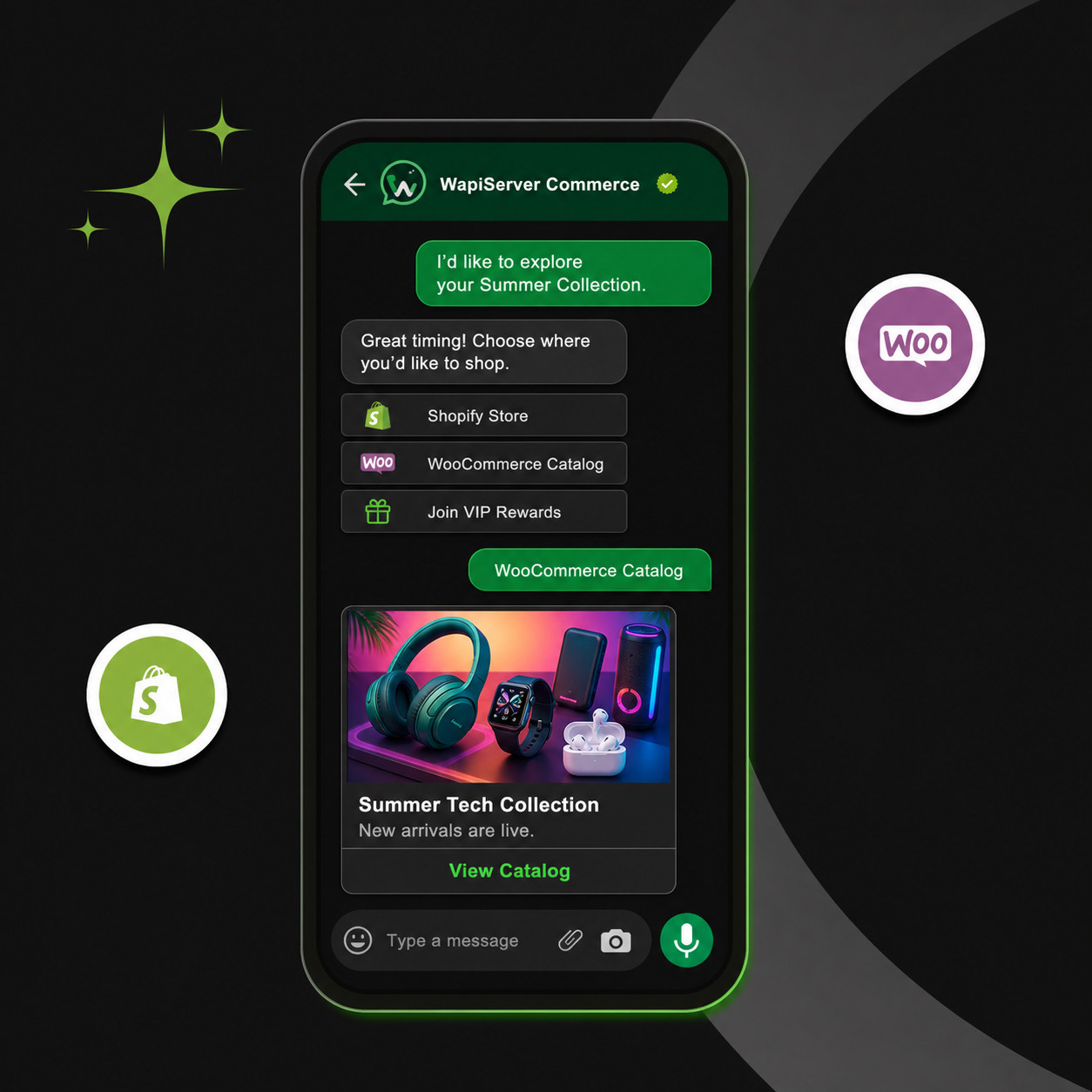
Manage shared products, customer accounts, cart, checkout, orders, linked invoices, fulfillment, promotions, analytics, automation, domains, and SEO.
View moreInvoice Generation
Prepare invoices, quotes, sales receipts, recurring schedules, payments, templates, PDFs, reminders, and source-aware billing records.
View more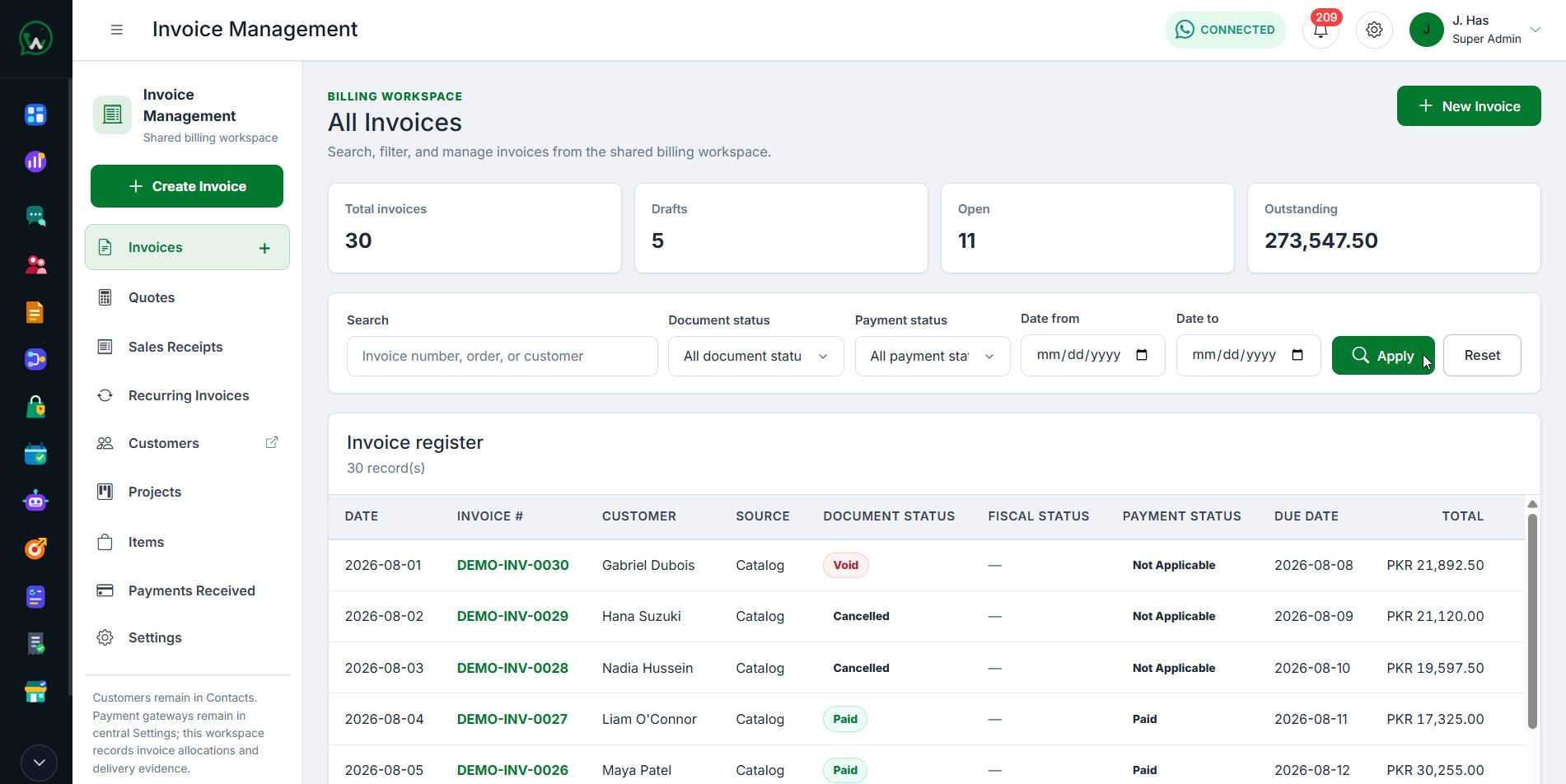
Customer Journey
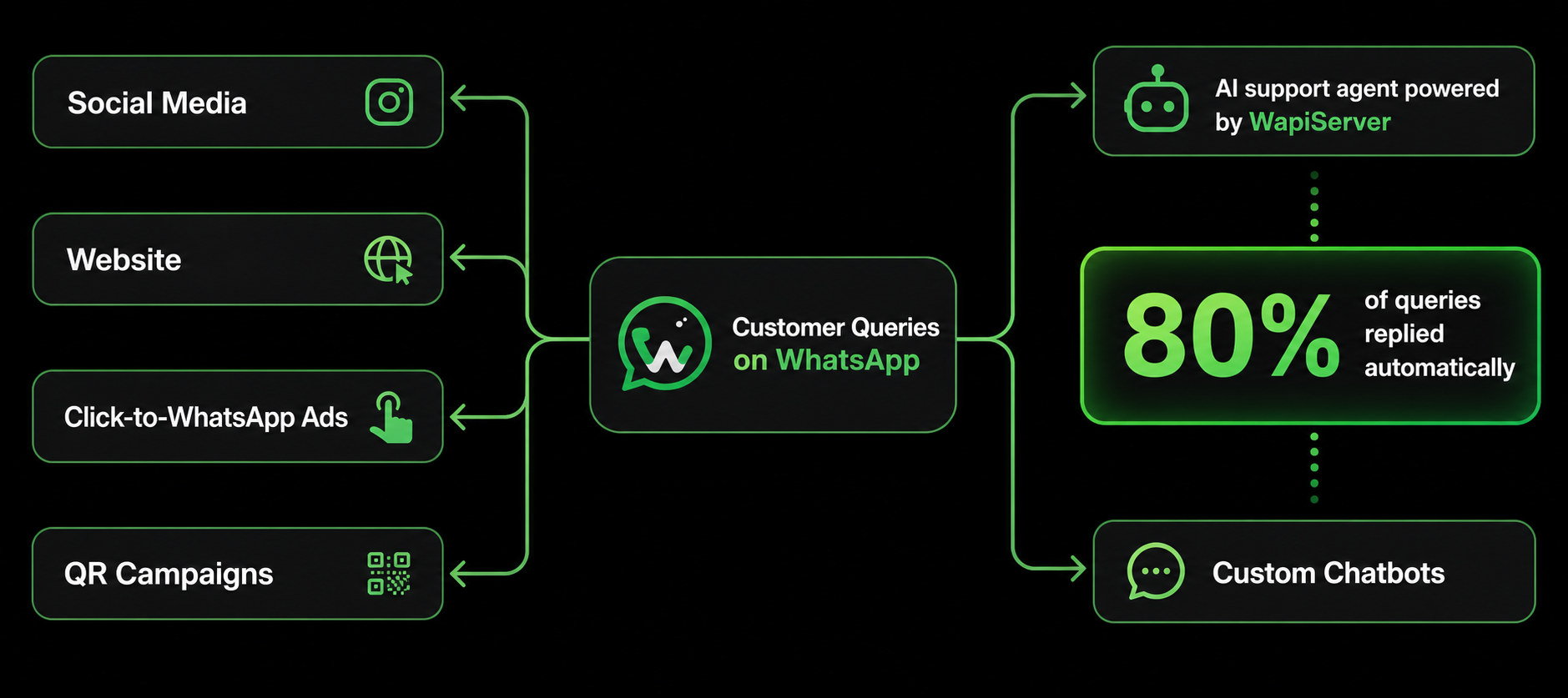
Use forms, Click to WhatsApp Ads, public links, and inbound messages to bring leads into one controlled workspace.
Use chatbot flows, AI suggested replies, audience rules, and structured fields to understand intent faster.
Move qualified conversations into pipeline stages, catalog discussions, appointments, or assigned agent workflows.
Run campaigns, reminders, CSAT feedback, delivery reports, and follow-up journeys from the same platform.
Forms and WhatsApp Flows
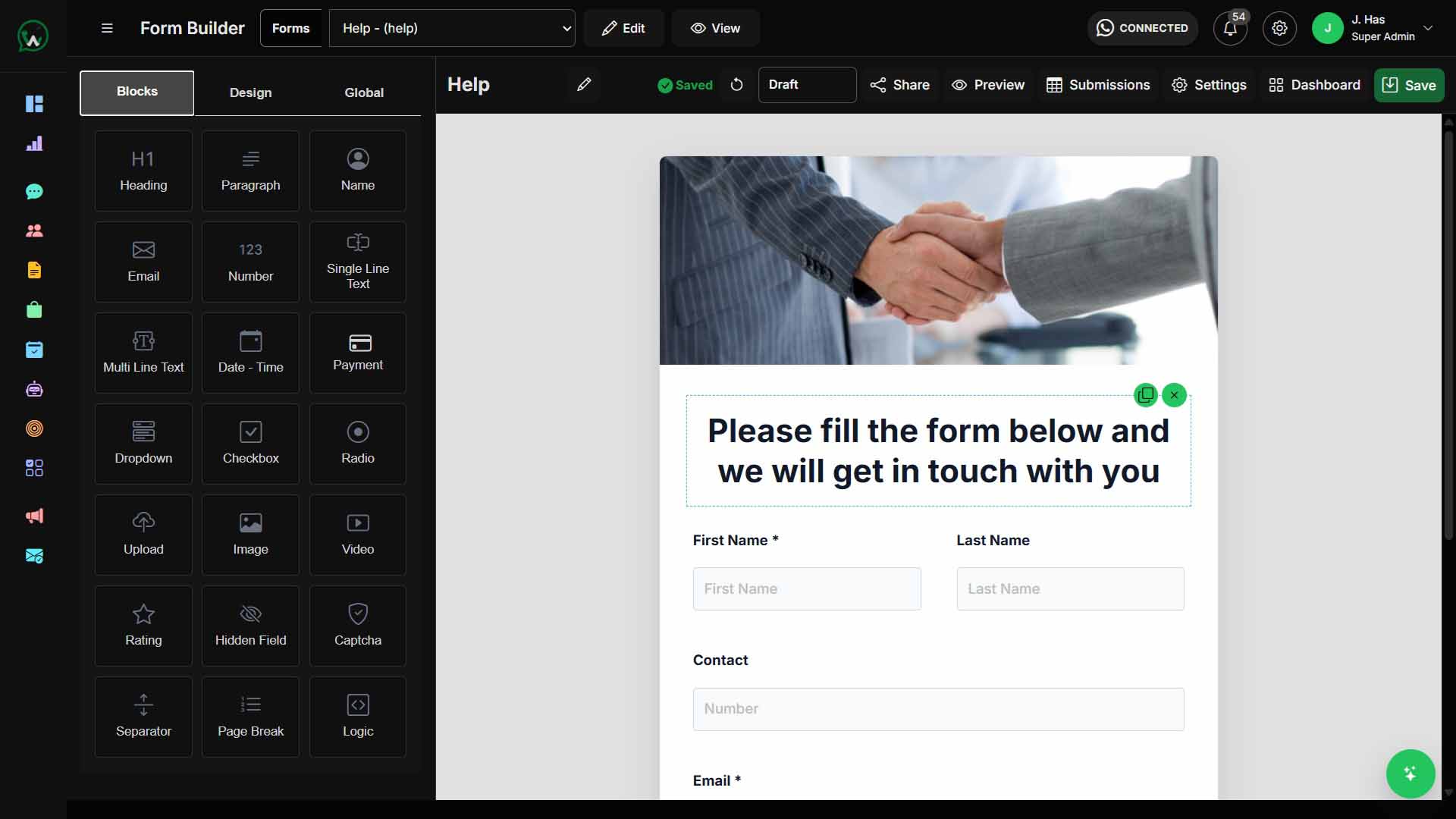
Use Form Builder and WhatsApp Flow screens for leads, appointment requests, surveys, service requests, and qualification workflows. Submissions can be reviewed, mapped, and followed up from the platform.
AI Agent and Chatbot
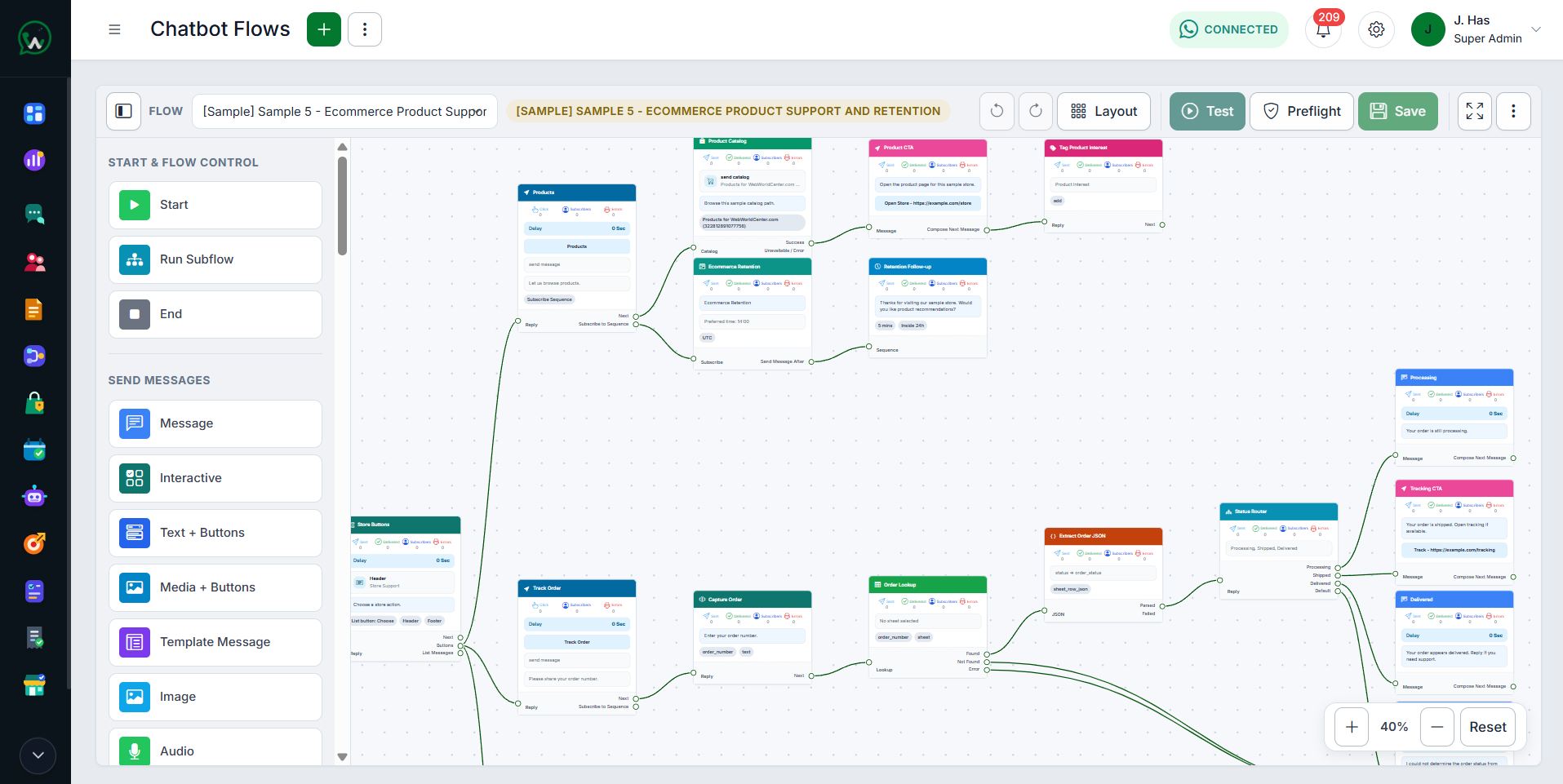
Use visual chatbot journeys and Help-grounded AI assistance to answer common questions, collect context, route work, and continue approved follow-up. Permission gates, fallback behavior, audit history, and human escalation stay part of the design.
Ready Workflow Plugins
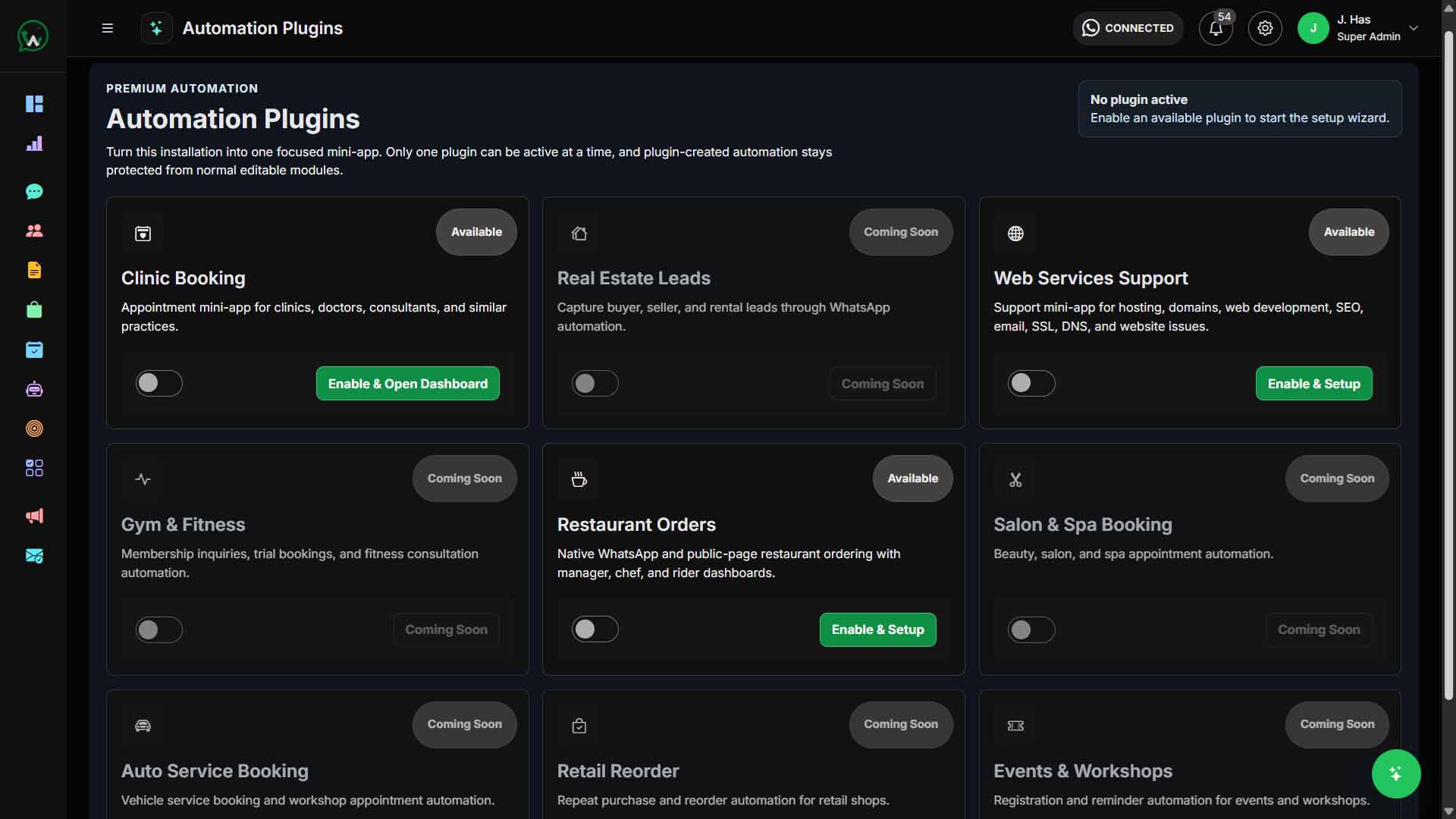
Clinic Booking, Web Services Support, and Restaurant Orders are ready workflow plugins. Enable the plugin, complete its required setup, and start a focused WhatsApp workflow without custom development.
Enable booking workflows, managed flows, templates, smart inbox handling, reports, and public booking routes.
Launch service request intake, ticket handling, templates, managed flows, reports, and public support routes.
Run restaurant order workflows with order handling, roles, templates, managed flows, reports, and public order routes.
The plugin system is ready for additional workflow packs while the current website shows only verified available plugins.
Campaigns and Reporting
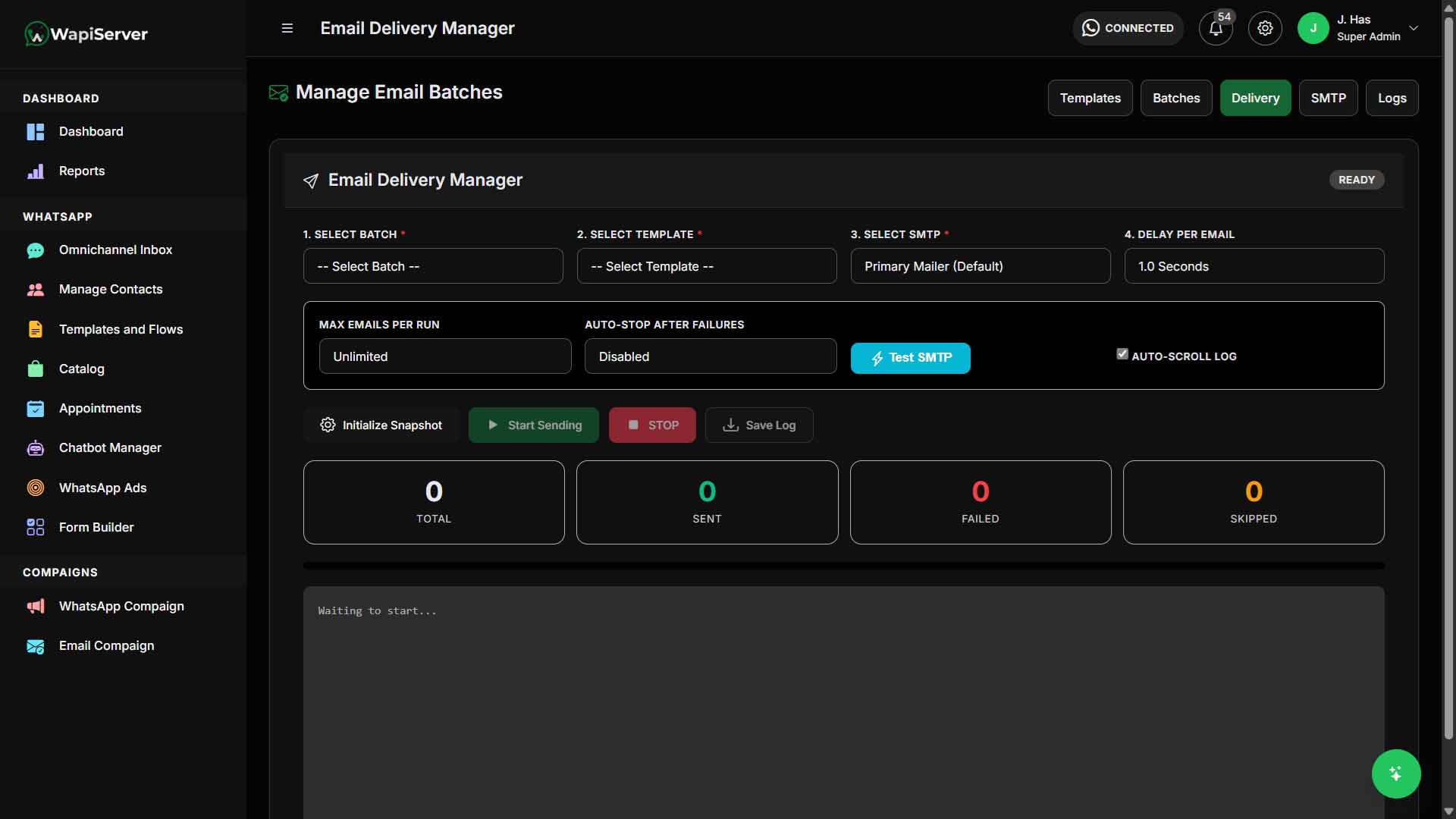
Run WhatsApp and email campaigns with templates, scheduling, audience rules, recipient controls, delivery status, and reporting. Keep campaign operations tied to contacts, segments, and lifecycle follow-up.
Use Cases
Capture leads from WhatsApp Ads, forms, and inbound chats, then qualify and assign them to the right team.
Use shared inbox, SLA/ticketing, internal notes, routing, and AI suggestions for controlled support operations.
Send targeted WhatsApp and email campaigns with templates, scheduling, segmentation, and reporting.
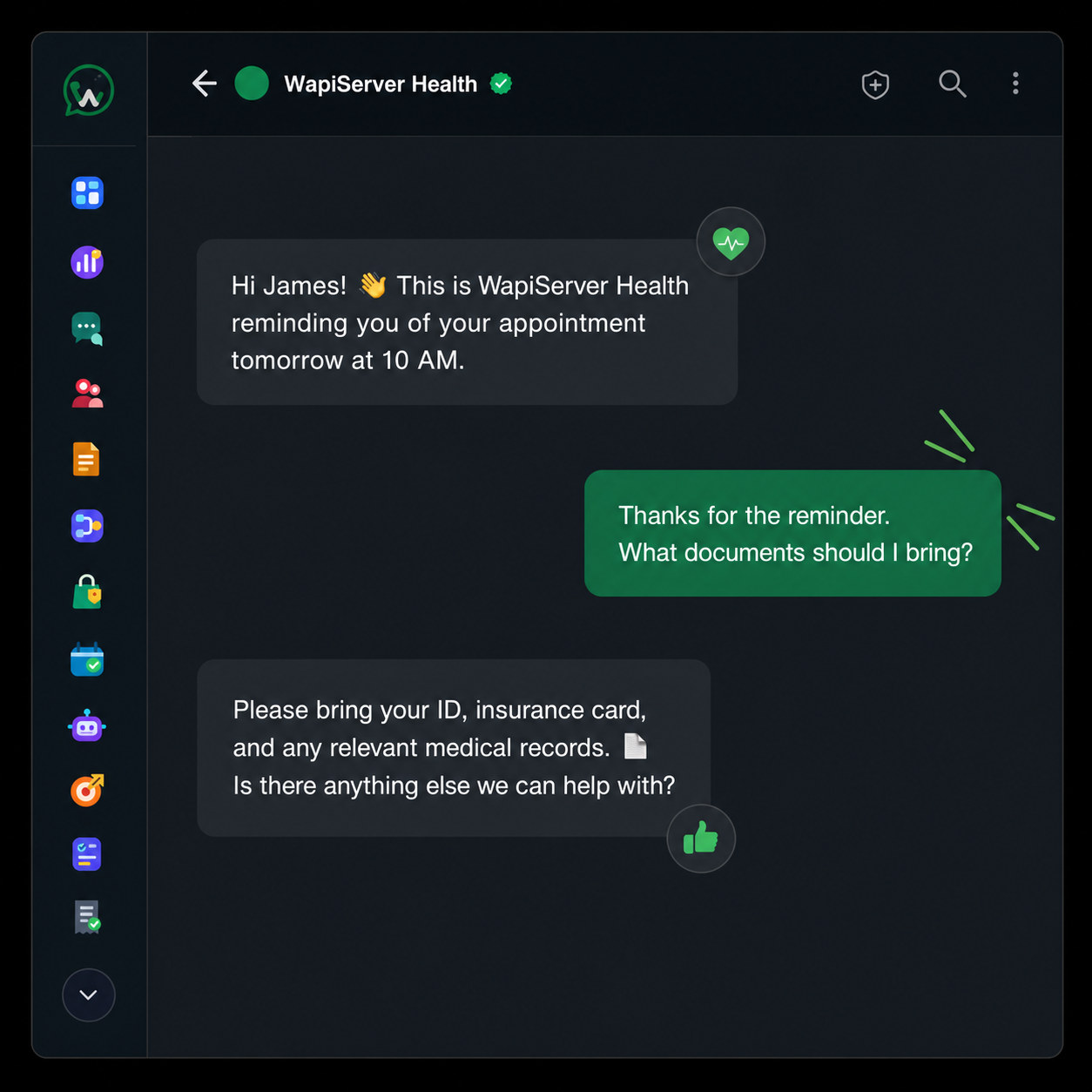
Manage booking requests, reminders, service details, public booking flows, and follow-up conversations.
Show products, handle catalog orders, support checkout workflows, and follow up with customers on WhatsApp.
Deploy a self-hosted WhatsApp automation platform with plans, permissions, branding, and modular access.
Capture property inquiries, qualify buyers or renters, schedule visits, send listing details, and track pipeline progress.
Use the Restaurant Orders plugin for order workflows, templates, public ordering, reports, and team operations.
Use the Web Services Support plugin for service tickets, client requests, public forms, and status workflows.
Private Operations
WAPIServer keeps its application data inside the server environment you select while giving teams inbox, campaigns, automation, roles, audit logs, AI governance, and update workflows. Meta and any integrations you configure still process the data required for their services.
Review the data architecturePricing
Self-hosted access for full platform evaluation.
Self-hosted access for growing operational needs.
Self-hosted access for growing operational needs.
How It Works
Start free trial and verify your account to access the customer portal.
Choose the plan and feature depth that matches your rollout stage.
Install and activate WAPIServer in your own infrastructure.
FAQ
Get Started
Start with trial, validate inbox, campaign, form, AI, and plugin workflows, then scale through your selected plan.